

Why use a COD form instead of Shopify’s checkout?
Shopify can take cash on delivery without an app: you activate it as a manual payment method under Settings > Payments, and buyers pick it at checkout (Shopify Help Center). The buyer still goes through the full Shopify checkout to place the order.
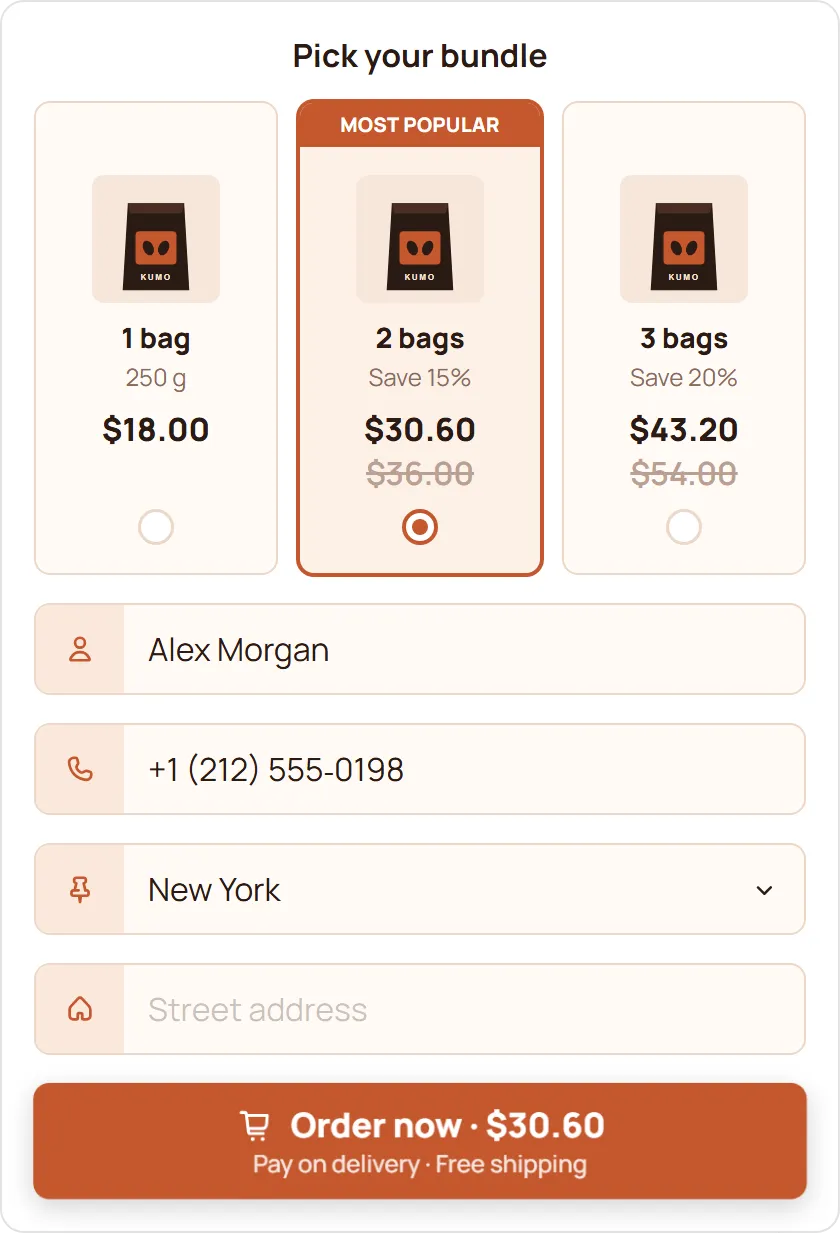
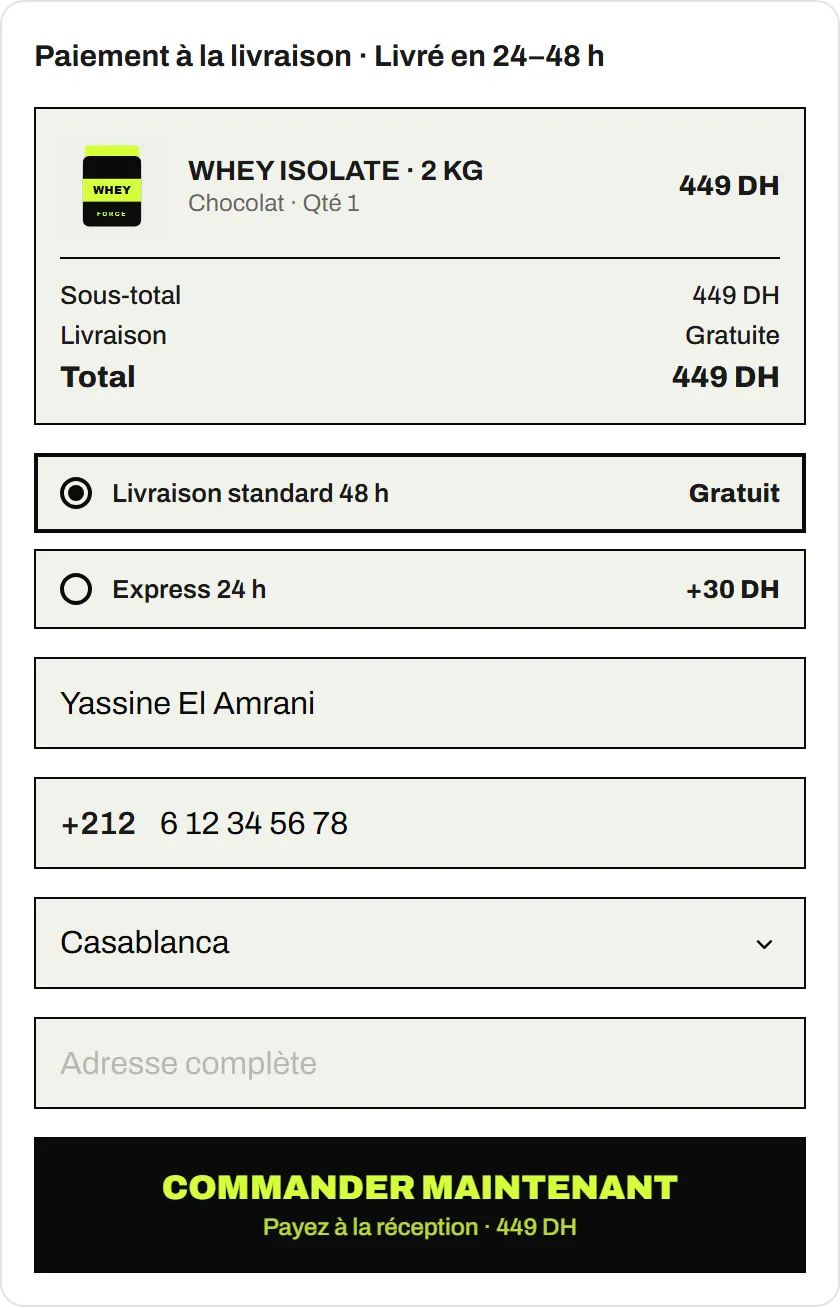
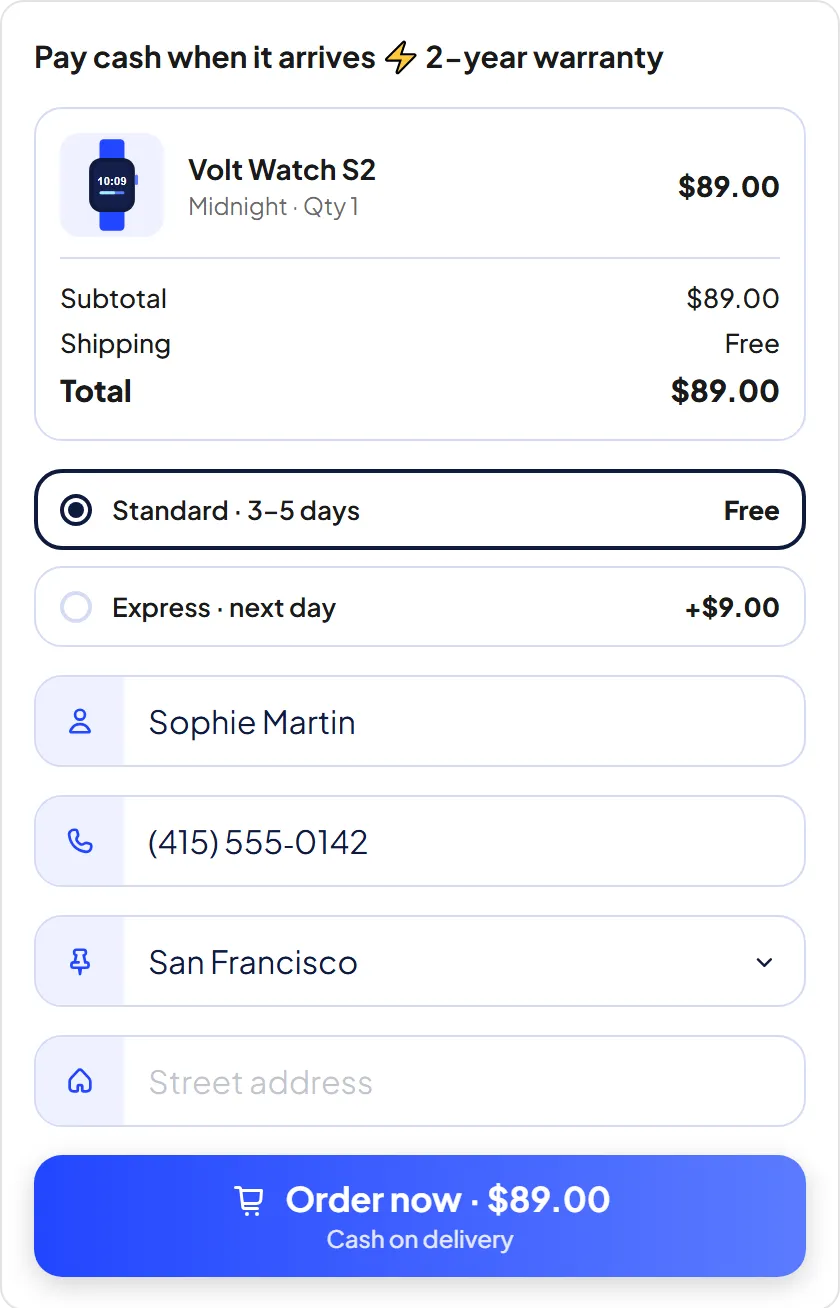
A COD form takes the order on the product page instead. The buyer taps the buy button, fills in a short form (name, phone, wilaya, address) and confirms. The order is created in your Shopify admin straight away, without the checkout steps in between. Our guide on how to add a COD form to Shopify walks through both options.
What does the Free plan include?
Everything the COD Form does is on the Free plan. Nothing is held back for a paid tier.
- Two layouts. A popup that opens from the buy button, or a form embedded on the product page. Either can be one step, or two steps with an order confirmation screen.
- On more than the product page. Add a button to the cart page and the cart drawer, and hide your theme’s Add to cart and Buy it now buttons where the form shows.
- Your design. Choose the fields, colours, fonts (including Cairo for Arabic), buttons, icons and animations, with a live preview.
- Delivery prices. Set a price per wilaya, per country or everywhere, and limit rates by product, order weight or order value. Wilaya and city dropdowns come preloaded for Algeria.
- Offers. Quantity offers such as “buy 2, buy 3” (percentage off, fixed amount off or a fixed total), and tick-box upsells above the order button.
- Spam protection. Block phone numbers, emails, email domains and IP addresses, limit orders per buyer in a time window, cap order quantity and restrict postal codes.
- Google Sheets. Every order goes to your sheet. Abandoned orders, where the buyer typed a valid phone number but did not order, go to a separate sheet after a delay you choose.
- Ad tracking. Meta Pixel and Conversions API, TikTok Pixel and Events API, Snap Pixel and Conversions API, the Google tag and Google Ads conversions.
- COD Analytics. Conversion rate, confirmed orders, form opens, revenue, average order value and failed orders.
How do other free COD form plans compare?
Most COD form apps on the Shopify App Store have a free plan with a monthly order cap. Here is what three of them list, checked on 29 October 2026:
| App | Free plan limit | Source |
|---|---|---|
| Releasit COD Form & Upsells | 60 orders a month | App Store listing |
| FormBoost COD Form & Upsells | 100 successful orders a month | App Store listing |
| Preventify: COD Form & Upsells | 200 orders a month | App Store listing |
| EverCore | No monthly limit | App Store listing |
A cap matters most when an ad starts working: at a few dozen orders a day, a 60 or 100 order allowance runs out within the week. Those apps also do things EverCore does not. Releasit, for example, verifies phone numbers with a one-time code by SMS or WhatsApp. Our Releasit alternative page compares the two in detail.
How do you add it to your store?
- Install EverCore from the Shopify App Store. The Free plan starts right away.
- In your theme editor, open App embeds, switch on EverCore COD and save.
- Choose popup or embedded, style the form, and set your delivery prices.
- Add your phone as a Test device so the spam rules let you through, then place a test order and check it under Orders.
The full walkthrough, with what to set in each tab, is in How to add a COD form to Shopify.
When should you upgrade to Pro?
You don’t need Pro to take COD orders. Upgrade when you want EverCore to build pages for you: Pro adds the AI store builder, with 10 full stores and 20 product pages a month written and designed into a theme you already have. It costs $14.99 a month or $149.99 a year after a 5-day free trial, billed through Shopify.
Landing pages are separate: each one costs 30 credits ($3), with or without Pro.