

Why do quantity offers suit cash on delivery?
Each COD order is one parcel and one delivery fee, whatever is inside. If a buyer takes two units instead of one, you earn more from the same delivery, the same confirmation call and the same ad click.
That’s why the offer is worth designing carefully: it’s one of the few levers that raises revenue per delivery.
How do you price the tiers?
Work it out from your numbers. An example with round figures:
| 1 unit | 2 units | 3 units | |
|---|---|---|---|
| Price shown | 3,000 DA | 5,400 DA | 7,500 DA |
| Saving shown | Save 600 DA | Save 1,500 DA | |
| Product cost | 1,000 DA | 2,000 DA | 3,000 DA |
| Delivery you pay | 600 DA | 600 DA | 600 DA |
| What’s left | 1,400 DA | 2,800 DA | 3,900 DA |
The 2-unit tier gives a visible saving and still leaves twice the margin of a single unit, because the delivery is paid once. Replace these figures with your real product cost, delivery price and return cost before you set anything.
Then check the downside: if a 3-unit parcel is refused, you pay the delivery, possibly a return fee, and you have three units tied up. Tiers should still make sense with your delivery rate.
How do you present the offer?
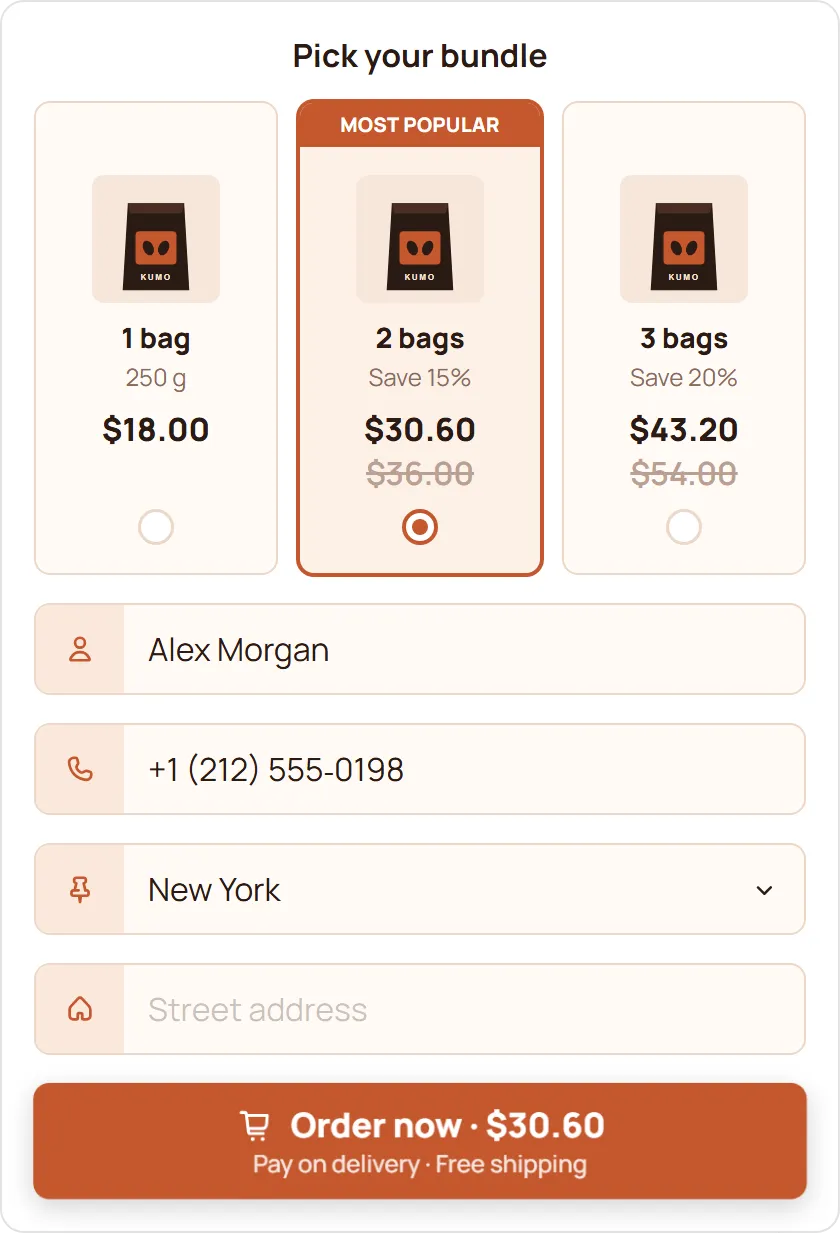
- Three tiers at most: 1, 2 and 3 units is easy to compare.
- Badge one tier, usually the one you want most buyers to choose, with something like “Most popular”.
- Show the saving the way buyers think: an amount in dinars or a percentage, not both on every card.
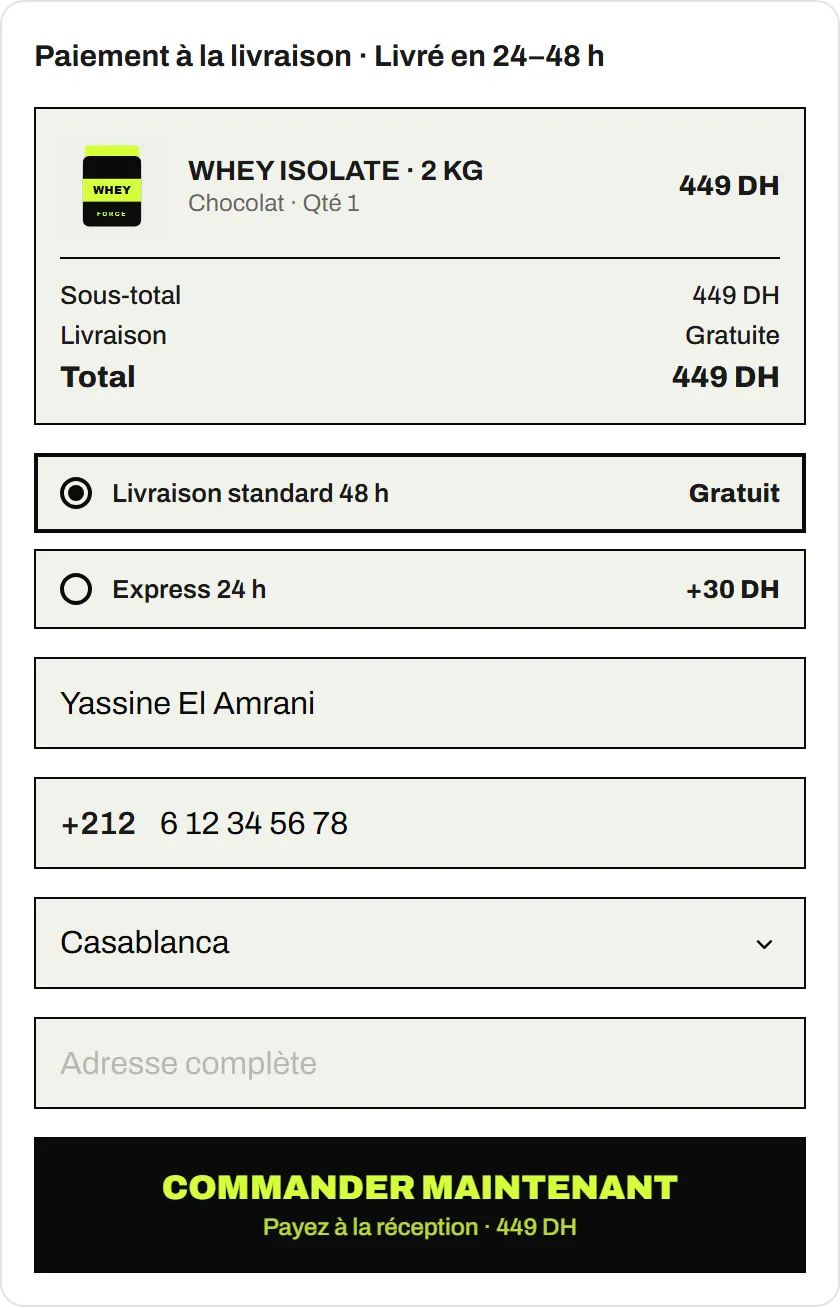
- Show the total for the tier, delivery included, before they confirm.
On the EverCore COD Form, a quantity offer’s discount can be a percentage, a fixed amount or a fixed total, and cards come in three templates (Classic, Modern, Vertical) with optional badges. See quantity offers and upsells.
Which upsells work with COD?
Upsells the buyer ticks above the order button work best when they’re obviously useful with the main product:
- A refill or consumable: a second bottle, replacement heads, extra filters.
- A matching accessory: a case, a strap, a pouch.
- A service line: fast shipping or shipping protection, if you can actually deliver on it.
Keep it to one or two lines. The order button is the goal.
How do you know an offer is working?
Compare two equal periods, before and after the change:
- Average order value. COD Analytics shows it next to conversion rate and revenue.
- Conversion rate. A complicated offer can raise order value but lower orders.
- Delivery rate. If big tiers come back more often, the offer costs you more than it shows.
Change one thing at a time, so you know what moved the numbers.