

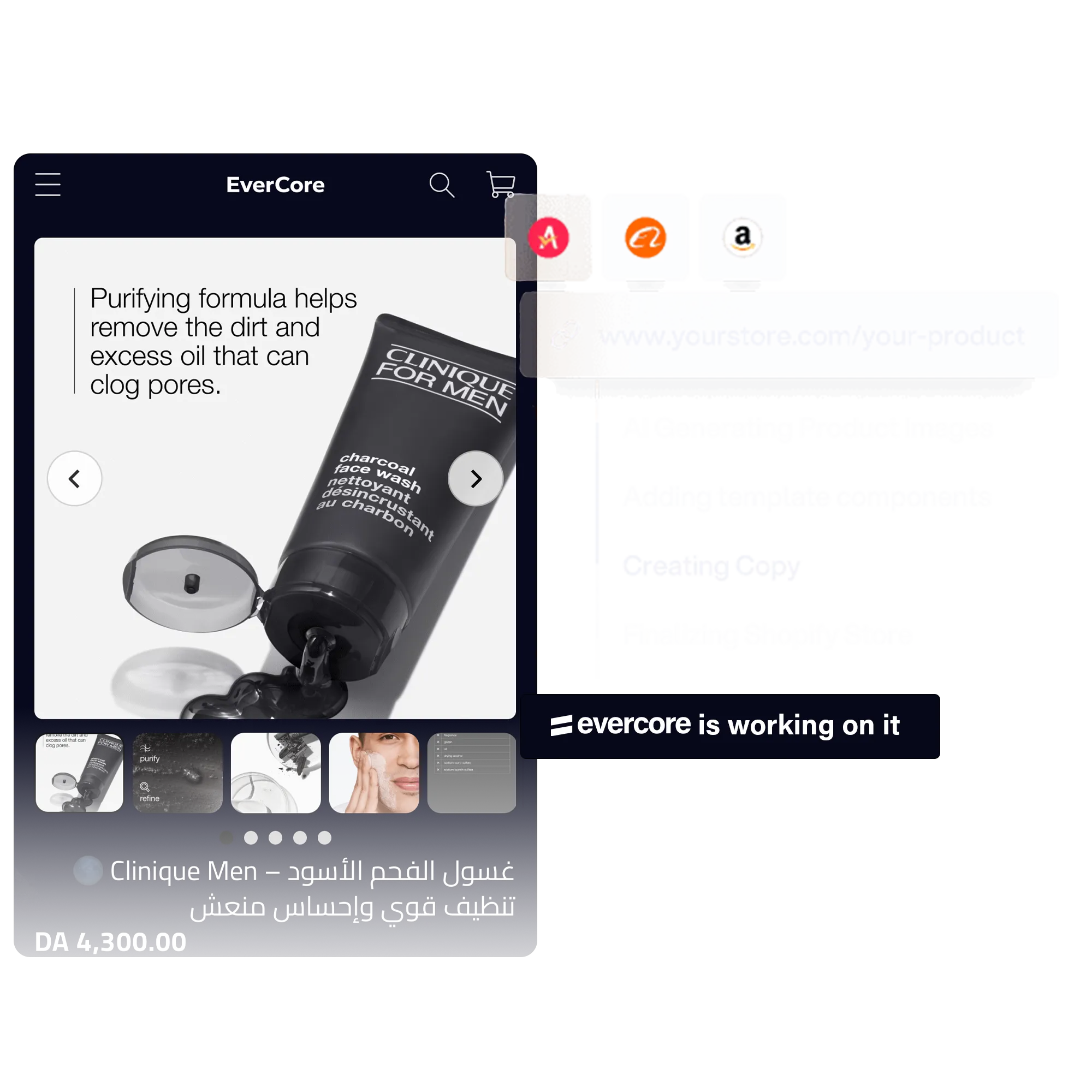
What does the AI store builder make?
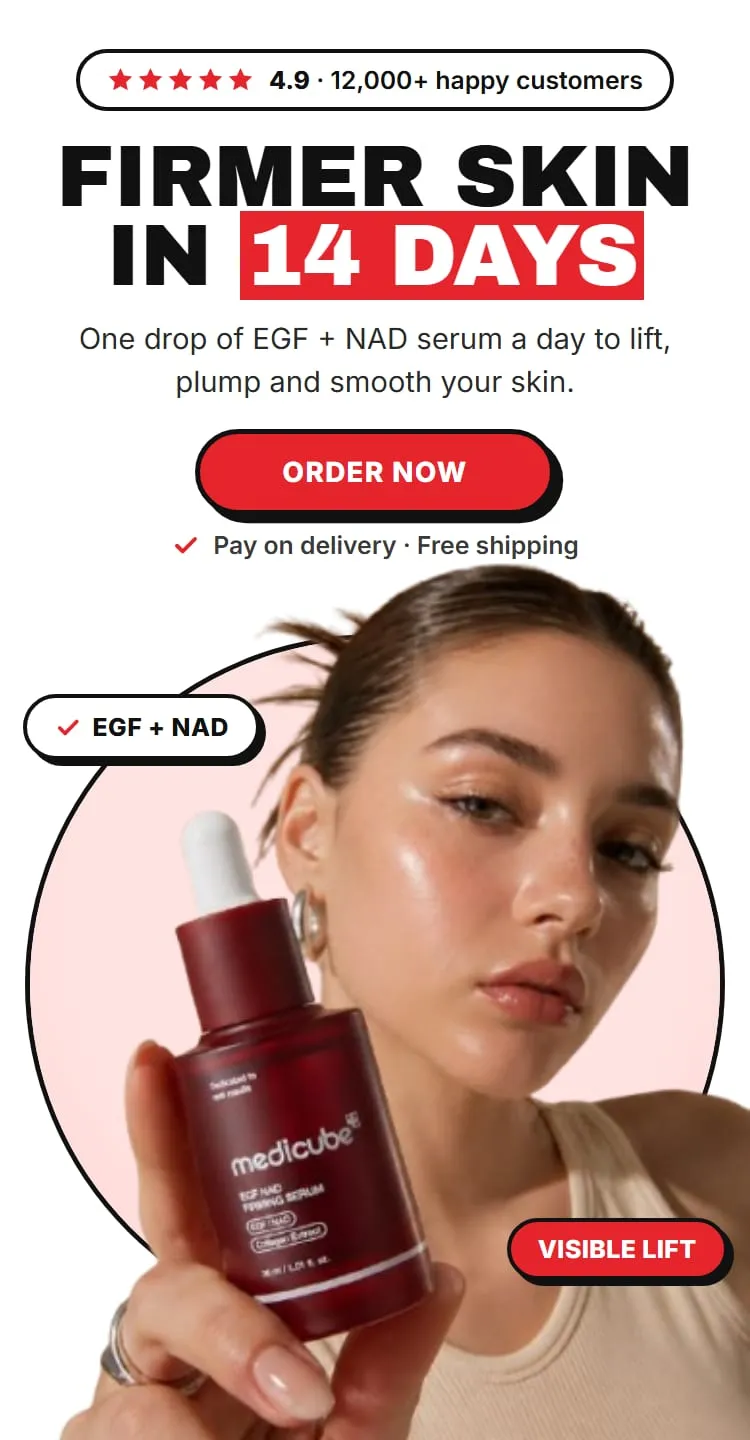
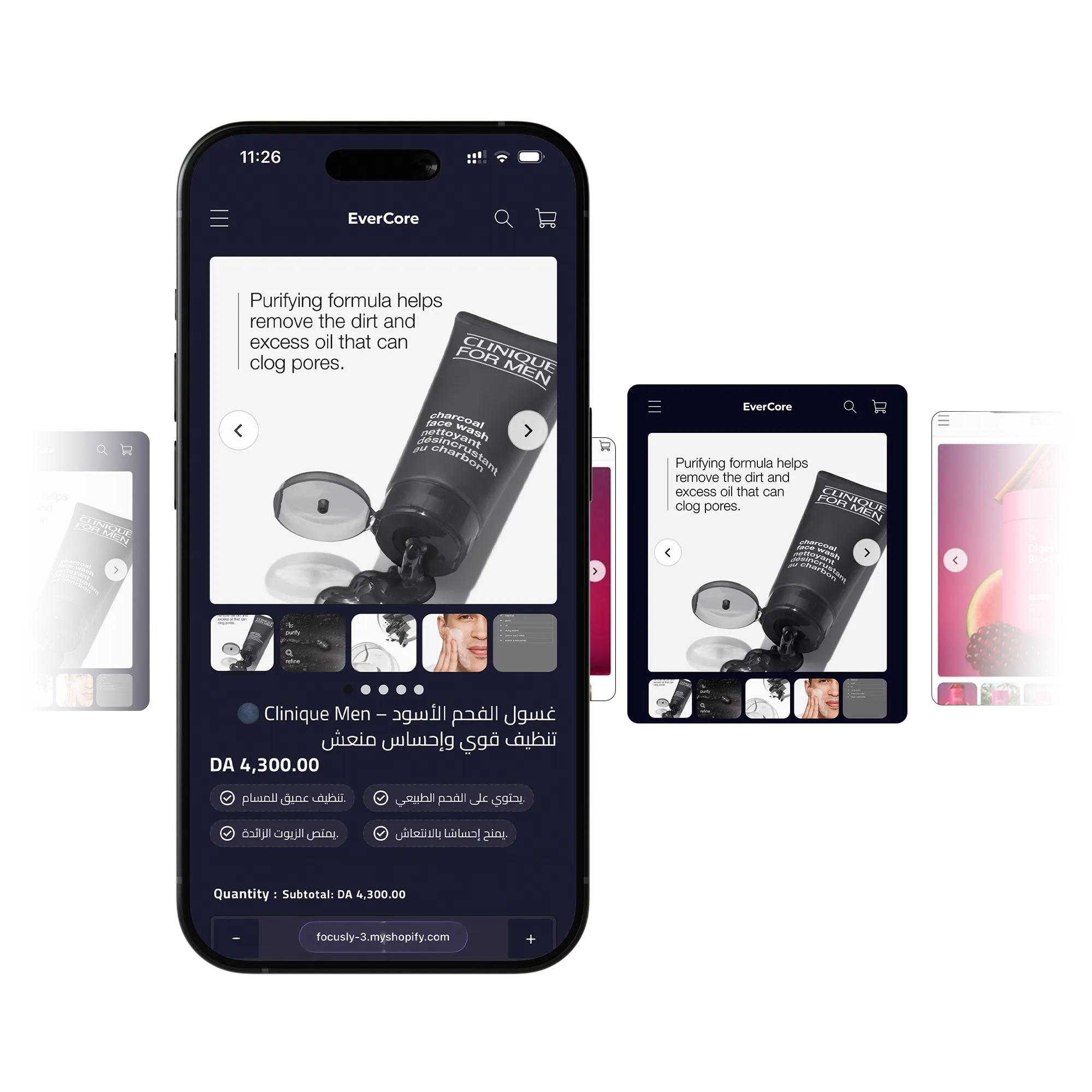
A full store is a homepage plus a product page, both built around the product you choose. EverCore writes the copy, lays out the pages and adds them to your theme.
If you only need the page for one product, build a single product page instead. For a one-product page to test with ads, use a landing page.
You can start from a product already in your catalogue, or paste an AliExpress link. From AliExpress, EverCore creates the Shopify product for you with its title, price, compare-at price and images.
How do you brief the AI?
You brief it the way you would brief a copywriter:
- Style. Dark uses high-contrast dark surfaces for a premium feel that suits tech and lifestyle products. Light is clean and minimal and works for any category.
- Who the store is for. Impulse buyer, problem-aware, deal hunter, gift buyer, luxury seeker, parent or family, or professional / B2B.
- Selling angles. Urgency and scarcity, social proof, pain point to relief, before and after, unique mechanism, price anchoring, free shipping, money-back guarantee, eco and sustainable, or viral and trending.
- Tone. Bold and aggressive, warm and friendly, clinical and trustworthy, or aspirational and premium.
- Your research. Upload customer research as TXT, PDF, MD, DOCX or CSV files for the AI to write from.
Pick one or two angles that match why people buy the product. A store that tries every angle at once reads like a list.
Which languages can it write in?
Any language. Arabic stores get a right-to-left layout, so the page reads the way your buyers read.
Landing pages go further on dialects: they can be written in Algerian, Moroccan, Tunisian, Egyptian, Gulf or Standard Arabic, as well as English, French, Spanish and Portuguese. See the AI landing page builder.
Will it change your current theme?
EverCore adds its own files to an Online Store 2.0 theme you pick, each one prefixed ec-, and leaves your theme’s own files in place. Files every theme shares, such as theme settings and translations, are merged rather than replaced. Duplicating your theme before you start is still a sensible precaution.
You review the pages before they go live. A product only switches to its new EverCore page automatically when it was using the theme’s default product page; otherwise the new page waits as a draft until you publish it. Deleting an EverCore page puts the product’s previous template back.
What does it cost?
The store builder comes with Pro: $14.99 a month, or $149.99 a year (a saving of $29.89), billed through Shopify after a 5-day free trial. Nothing is charged on the day you start the trial.
Pro includes 10 full stores and 20 product pages each month. Beyond that, an extra store costs 10 credits and an extra product page 7 credits, at $0.10 a credit. Credits are only spent on work you receive: if a generation fails, they are refunded automatically.
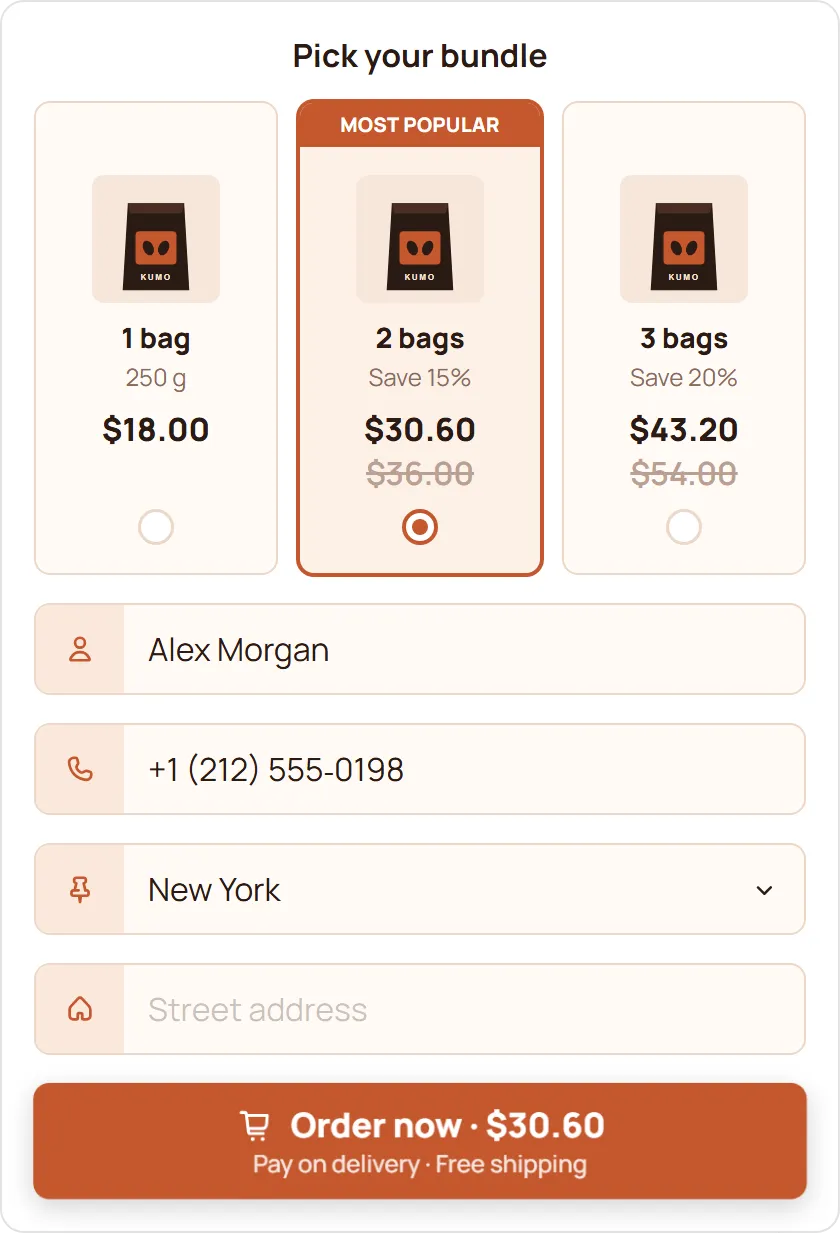
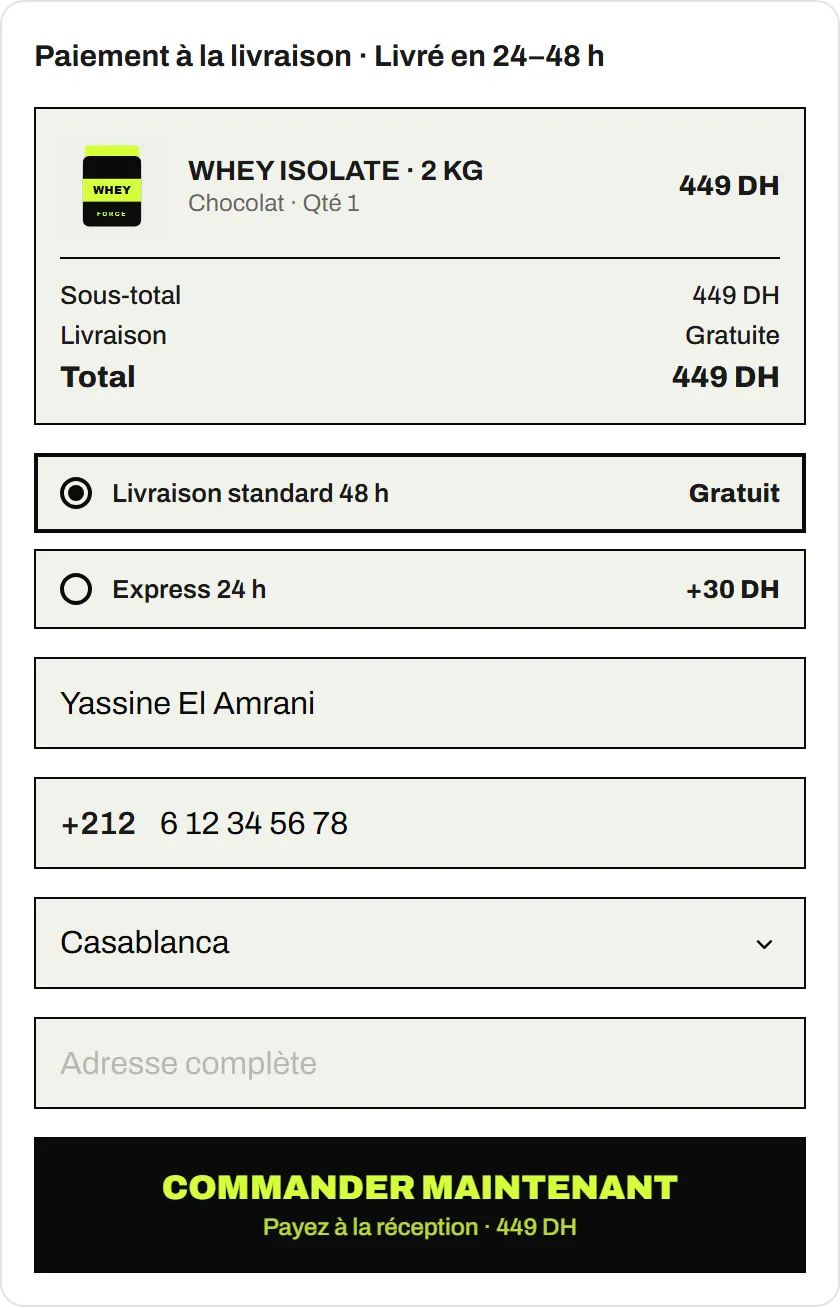
The COD Form is free on every plan, so the store can take cash on delivery orders from day one.
What should you check before you publish?
AI gets you a finished first draft, not a final one. Before you publish:
- Read every claim. Make sure each benefit, ingredient, size or guarantee on the page is true for your product. You are responsible for what the page says.
- Check prices and delivery details against your real offer and your courier’s prices.
- Keep social proof real. Only show reviews and numbers you can back up.
- Look at it on a phone, with the COD Form open.