

What does an AI store builder actually make?
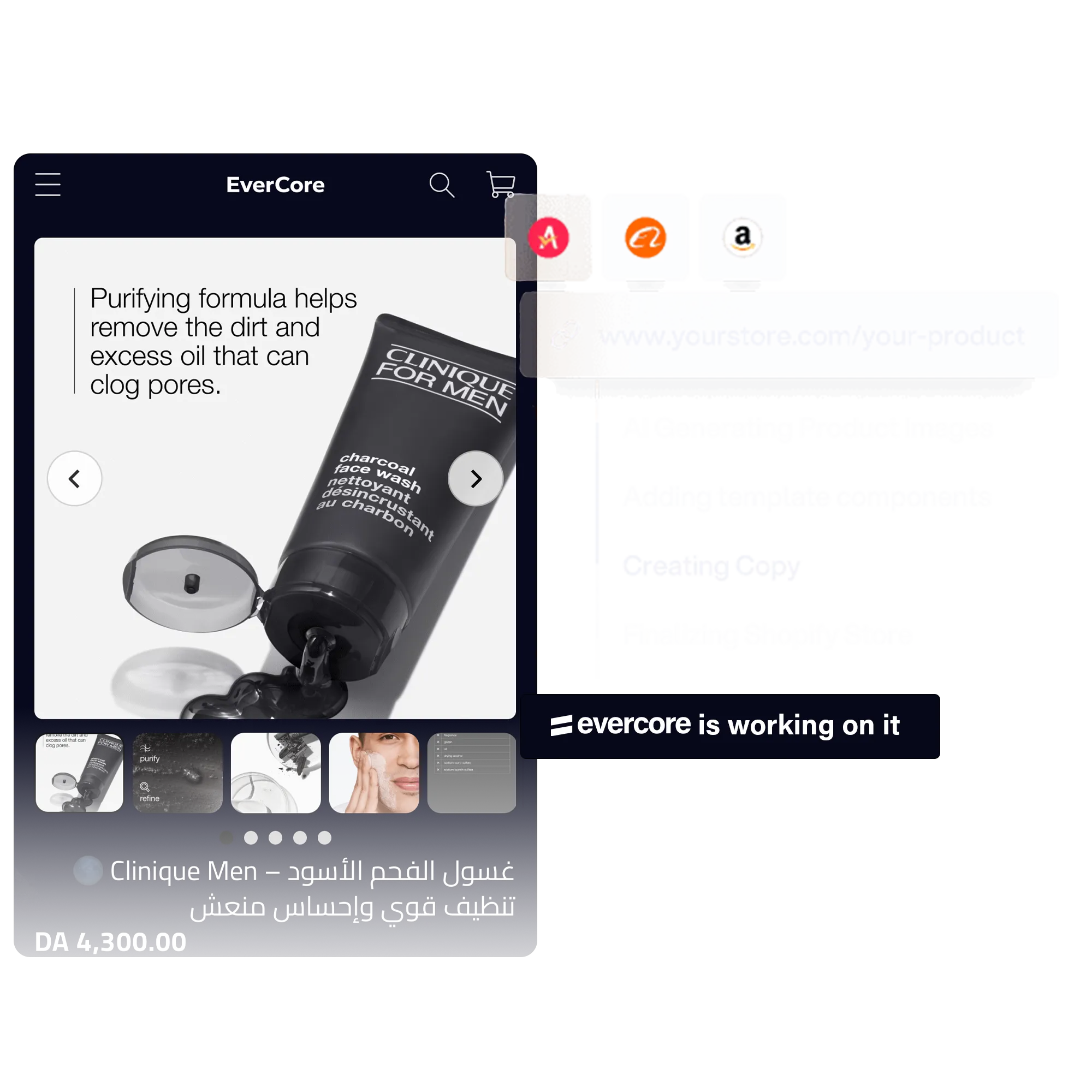
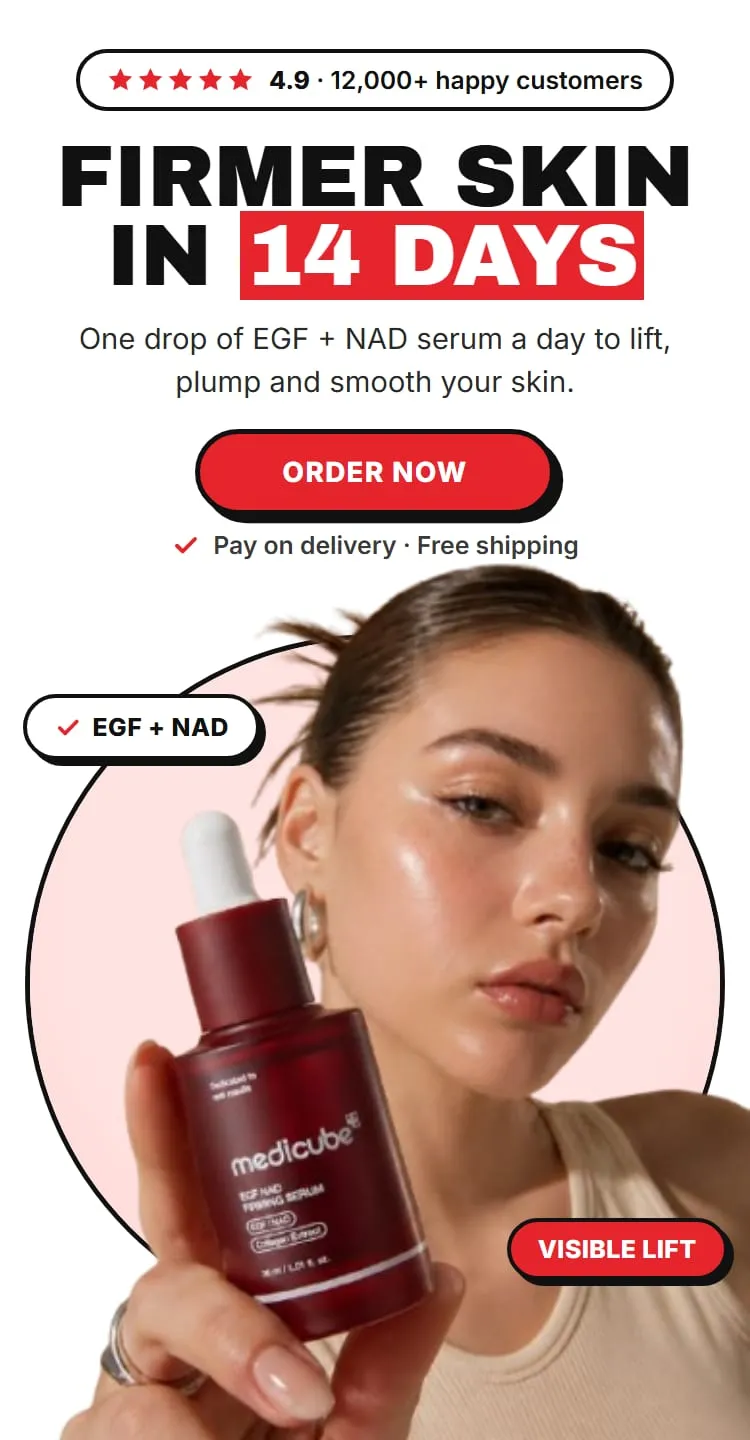
With EverCore’s store builder, a full store is a homepage plus a product page built around one product. EverCore writes the copy, lays out the pages and adds them to an Online Store 2.0 theme you already have.
It doesn’t replace the rest of Shopify. You still set up:
- payments, including cash on delivery if you sell COD,
- delivery prices,
- legal pages (shipping, returns, privacy),
- your domain.
How do you brief the AI?
The brief shapes most of the copy, so spend your time here:
- Pick the product, from your catalogue or an AliExpress link. From AliExpress, EverCore creates the product with its title, price, compare-at price and images.
- Pick the style: Dark (high contrast, premium) or Light (clean, any category).
- Pick who it’s for: impulse buyer, problem-aware, deal hunter, gift buyer, luxury seeker, parent or family, or professional / B2B.
- Pick one or two angles: for example pain point to relief, before and after, or price anchoring.
- Pick a tone: bold, warm, clinical or premium.
- Upload your research: reviews you collected, survey answers or support messages, as TXT, PDF, MD, DOCX or CSV.
The store builder writes in any language, including Arabic with a right-to-left layout. See How to build an Arabic Shopify store.
What does AI do well?
- A complete first draft. Every section filled, in order, on brand.
- Structure. Headline, benefits, how it works, objections, offer.
- Consistency. One voice from the homepage to the product page.
- Variations. Rebuild with a different audience or angle and compare.
What should you edit after?
Go through the store as a buyer, top to bottom:
| Check | Why |
|---|---|
| Every claim about the product | You are responsible for what the page says |
| Price and compare-at price | Imports can bring in supplier prices |
| Delivery time and price | They must match your courier |
| Reviews and numbers | Keep only what’s real |
| Images | Supplier photos may not show your actual product |
| Returns and contact details | Buyers look for them before paying on delivery |
| The page on a phone | With the order form open |
What about your current theme?
EverCore adds its own ec- files to the theme you pick and leaves your theme’s files in place; shared files such as settings and translations are merged. You review the pages before they go live: a product only switches to its new page automatically if it was using the default product page, otherwise it stays a draft until you publish.
What comes after the store?
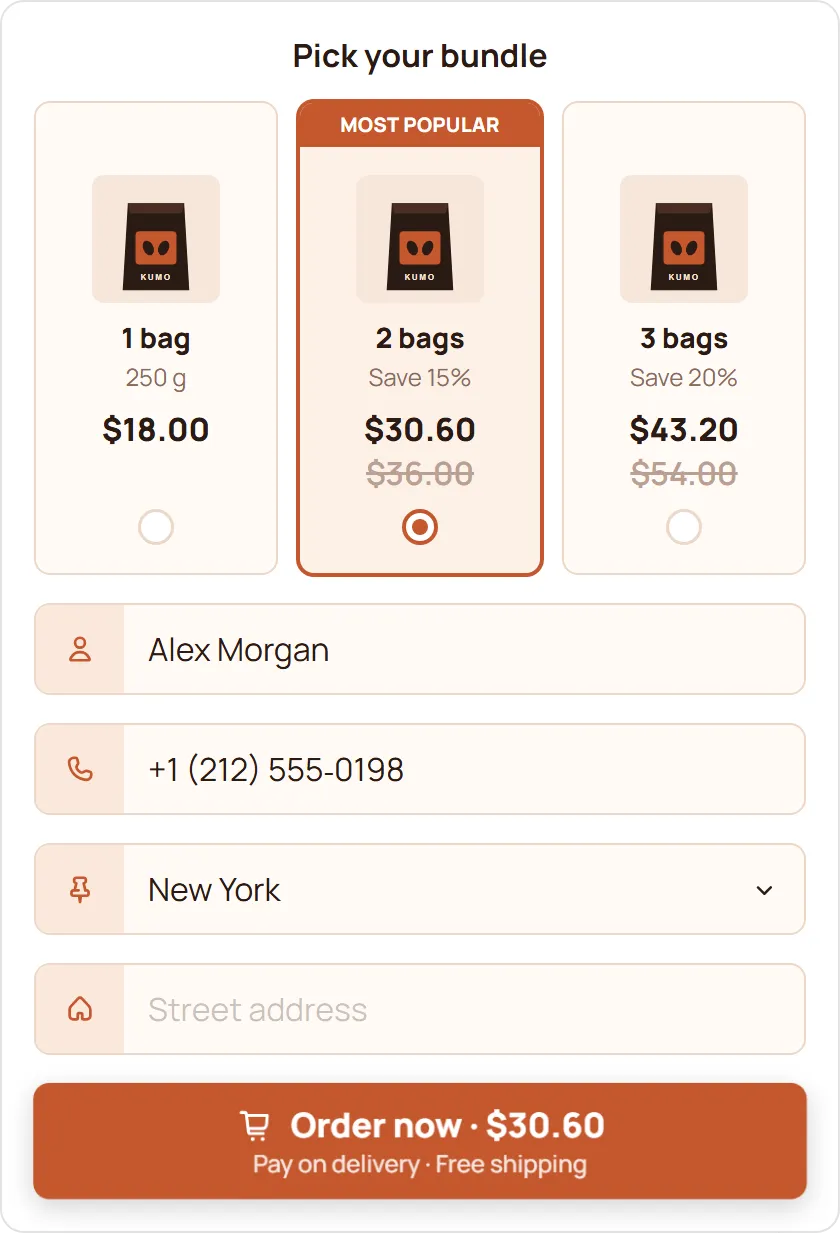
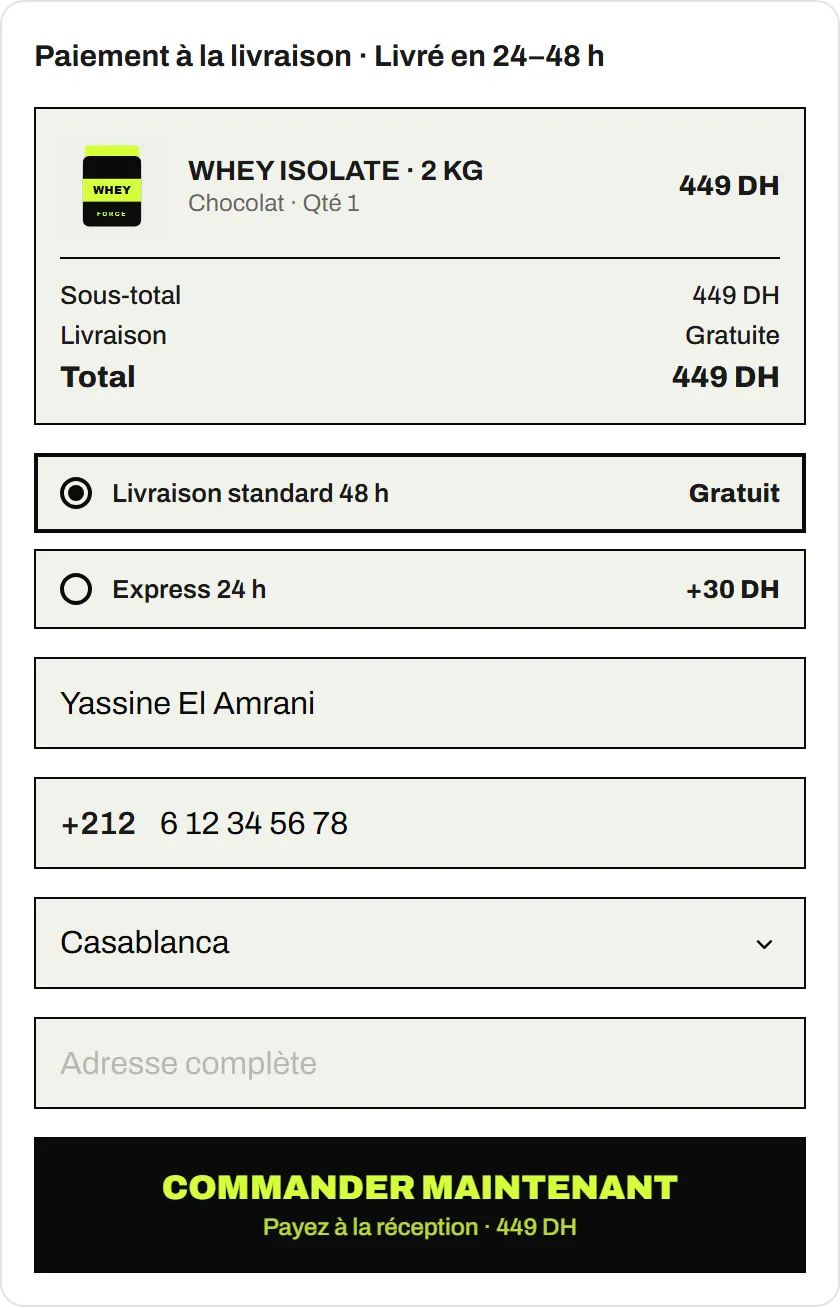
- Add the free COD Form if your buyers pay on delivery.
- Check the anatomy of a COD product page against your new page.
- Not sure the product will sell? Test it first with a landing page at $3, and graduate to a store when it wins.