

Skip to content

Algeria & MENA

How to build an Arabic (RTL) Shopify store, with or without AI

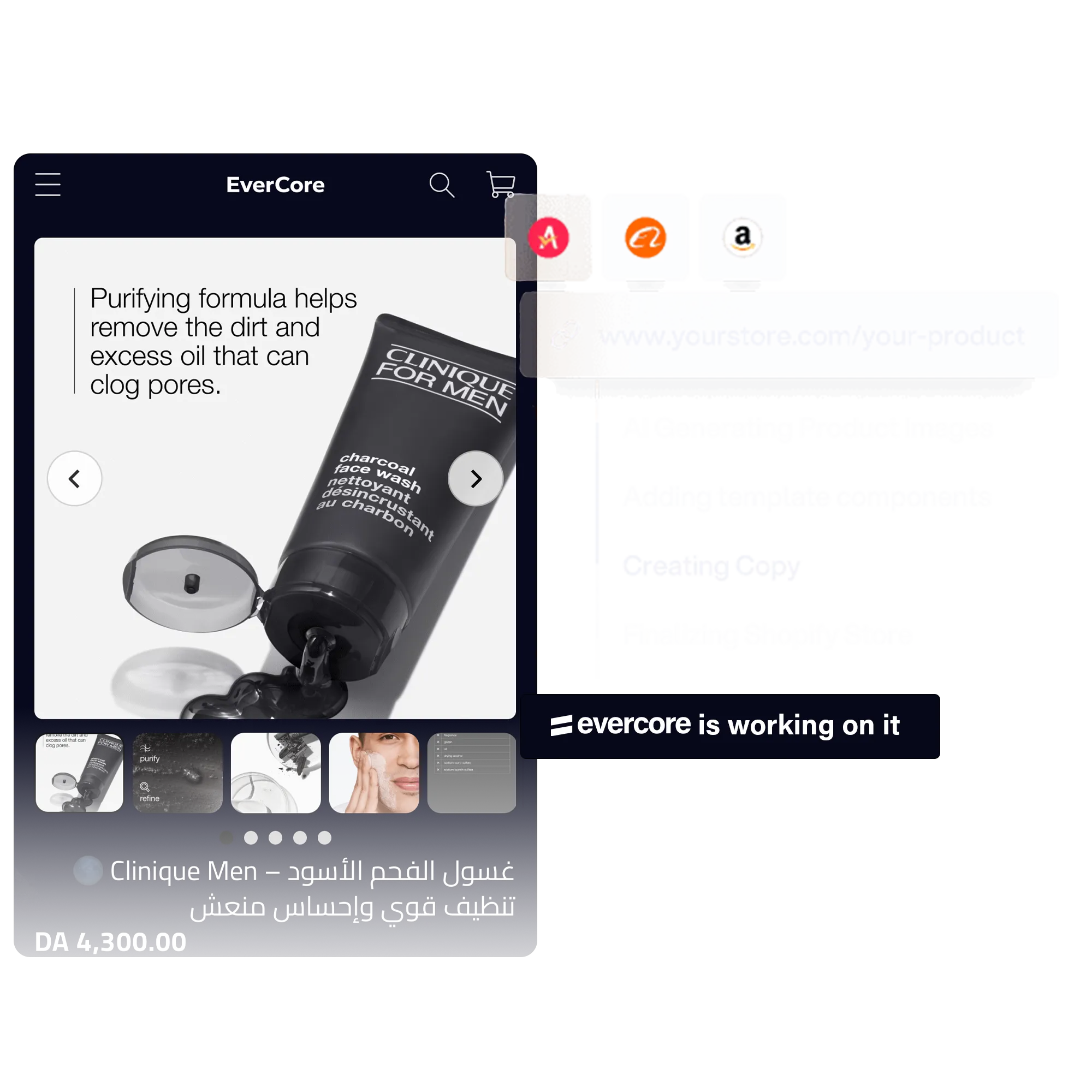
To build an Arabic Shopify store, add and publish Arabic as a store language, choose a theme that handles right-to-left layouts, then translate or write your content in Arabic. Since October 2026, Shopify has improved Arabic support in the admin, storefronts, checkout, customer accounts and the Horizon themes. With AI, EverCore's store builder can write the store in Arabic directly, with a right-to-left layout.

Written by ZenoUpdated 29 October 20263 min read

At a glance

  • Since 2 October 2026, Shopify has improved Arabic support in the admin, storefronts, checkout, customer accounts and the Horizon themes.
  • Once Arabic is published, checkout and notification emails show in the customer's language.
  • EverCore's store builder (Pro plan) writes in Arabic with a right-to-left layout, and its landing pages can be written in six varieties of Arabic.

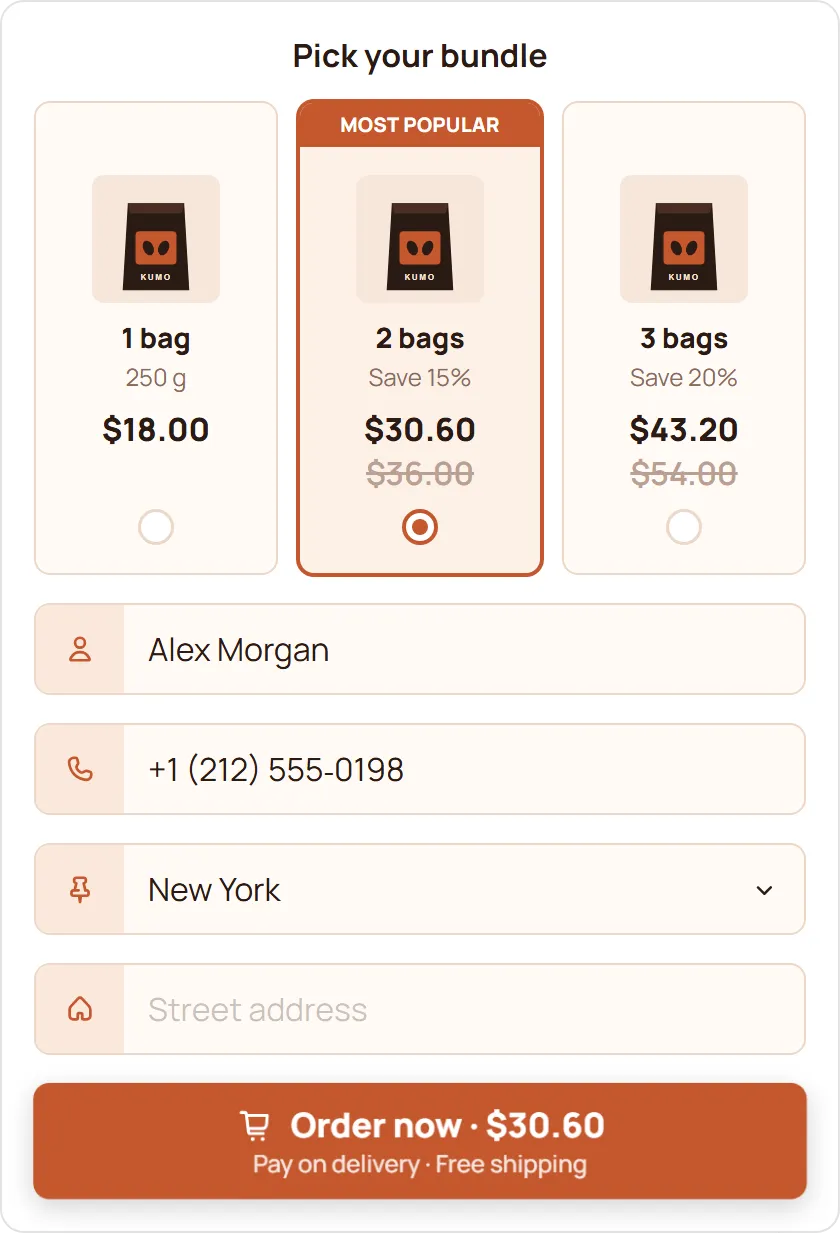
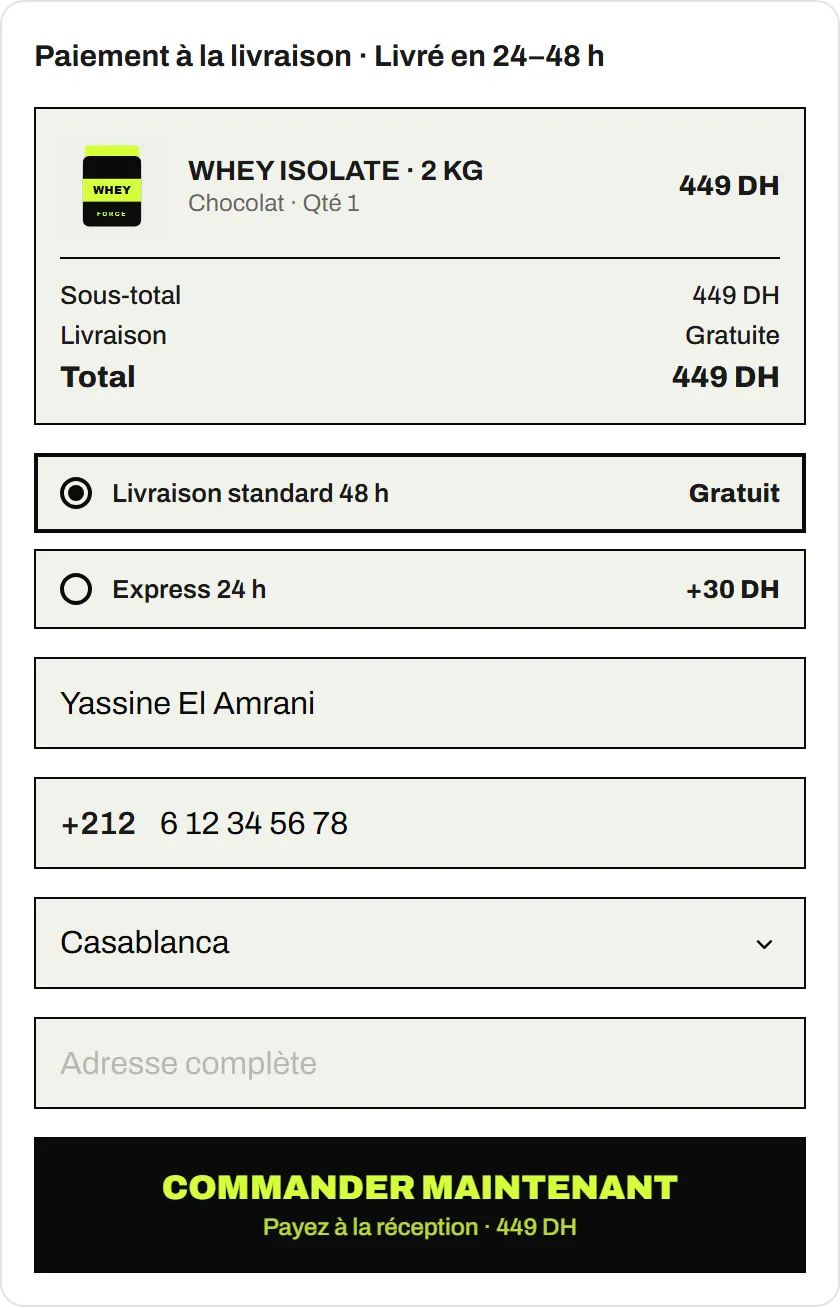
EverCore COD Form

  • EverCore’s COD Form is free, with no monthly order limit, and works without a trial or billing approval.
  • Each submitted form creates an order in your Shopify admin.
  • The form supports Arabic, with a right-to-left layout and the Cairo font.
  • Algerian wilaya and city lists come preloaded, and delivery prices can be set per wilaya, per country or as one price everywhere.
  • Orders and abandoned orders can be sent to Google Sheets, and orders can be reported to Meta, TikTok, Snapchat and Google as conversions.
  • EverCore doesn’t connect to delivery companies: you pass orders to your courier with the courier’s own tools.

Does Shopify handle Arabic well?

Yes, and better than before. On 2 October 2026, Shopify announced improved support for three right-to-left languages, Arabic, Urdu and Hebrew, “in both Admin and Storefronts, including checkout, customer accounts and the Horizon family of themes” (Shopify Changelog).

Once you publish a language, checkout and email notifications show in the customer’s language (Shopify Help Center).

How do you turn on Arabic?

  1. In your admin, open Settings > Languages and add Arabic.
  2. Translate your content (see below), then publish the language.
  3. If Arabic is your main language, write your product pages, pages and menus in Arabic directly.
  4. Test the store and checkout in Arabic on a phone, from the first page to the order.

Which theme should you choose?

One that handles right-to-left properly: menus, arrows, carousels and icons should flip, not just the text. Shopify names the Horizon family of themes in its announcement. For any other theme, check its documentation before buying, then check on the demo:

  • the product page and its images,
  • the cart and cart drawer,
  • prices and numbers,
  • the footer and forms.

Translate or write in Arabic?

To translate an existing store, Shopify’s Translate & Adapt app translates content manually or with Shopify’s AI translations; you can also import CSV files or use a translation app (Shopify Help Center). Have a native speaker review it: literal translations read badly.

Writing in Arabic from the start usually reads more naturally, especially for a store built for Arabic-speaking buyers.

Decide early:

  • Standard Arabic or dialect. Standard is understood everywhere; a dialect can speak better to a local audience.
  • Digits. Latin (1, 2, 3) or Eastern Arabic (١، ٢، ٣): pick one and stay consistent. In North Africa, Latin digits are the norm.
  • Currency. “DA” or “د.ج”, always in the same place relative to the price.
  • Fonts. An Arabic font that reads well on phones, such as Cairo or Tajawal.

How do you build an Arabic store with AI?

EverCore’s store builder writes a full store (homepage and product page) in any language, including Arabic with a right-to-left layout, from a product in your catalogue or an AliExpress link. You choose the audience, angle and tone, and review everything before it goes live. It’s part of the Pro plan ($14.99 a month after a 5-day free trial). The general process is in How to build a Shopify store with AI.

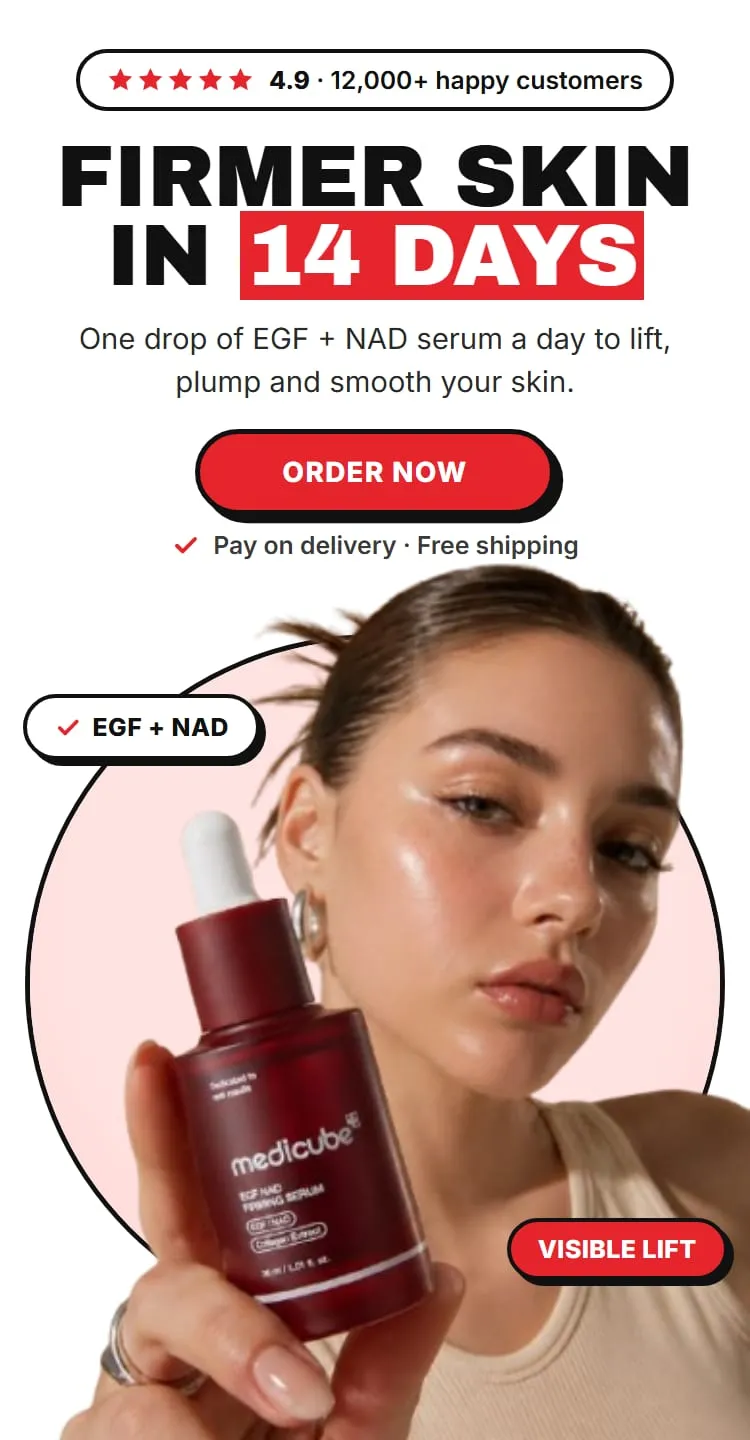
To test a product before building the store, AI landing pages can be written in Algerian, Moroccan, Tunisian, Egyptian, Gulf or Standard Arabic, for 30 credits ($3) a page.

Either way, read the text as your buyer would: the claims, the prices, and the tone of the dialect you chose.

What about cash on delivery in Arabic?

EverCore’s free COD Form supports Arabic and right-to-left layouts, with the Cairo font, and Algerian wilaya lists come preloaded. Your buyers order in their language, from the product page.

The tool behind this guideAI store builder for Shopify, in any languageSee the feature

Questions merchants ask

Does Shopify support Arabic and right-to-left?

Yes. On 2 October 2026 Shopify announced improved support for Arabic, Urdu and Hebrew in the admin and storefronts, including checkout, customer accounts and the Horizon family of themes.

Do all Shopify themes display right to left?

Not necessarily. Shopify names the Horizon family of themes; for any other theme, check its documentation or ask its developer before you buy.

Should I write in Standard Arabic or a dialect?

It depends on your audience. Standard Arabic is understood everywhere; a dialect can feel closer in a local campaign. EverCore landing pages can be written in six varieties of Arabic.

Does the COD form work in Arabic?

Yes. EverCore's COD Form supports Arabic and right-to-left layouts, with the Cairo font, and Algerian wilaya lists come preloaded.

COD on Shopify

How to add a COD form to Shopify

Add a cash on delivery order form to your Shopify product pages: install a COD form app, switch on its app embed, set delivery prices and place a test order.

Updated 29 October 2026 · 5 min read

Take COD orders free, with no monthly order limit

Install EverCore and the COD Form works on the Free plan, with no trial and no billing approval. Want AI to build your store, product pages and landing pages too? Start the 5-day Pro trial.

Pro is $14.99 a month after the 5-day trial, billed through Shopify. Cancel during the trial and you pay nothing.