

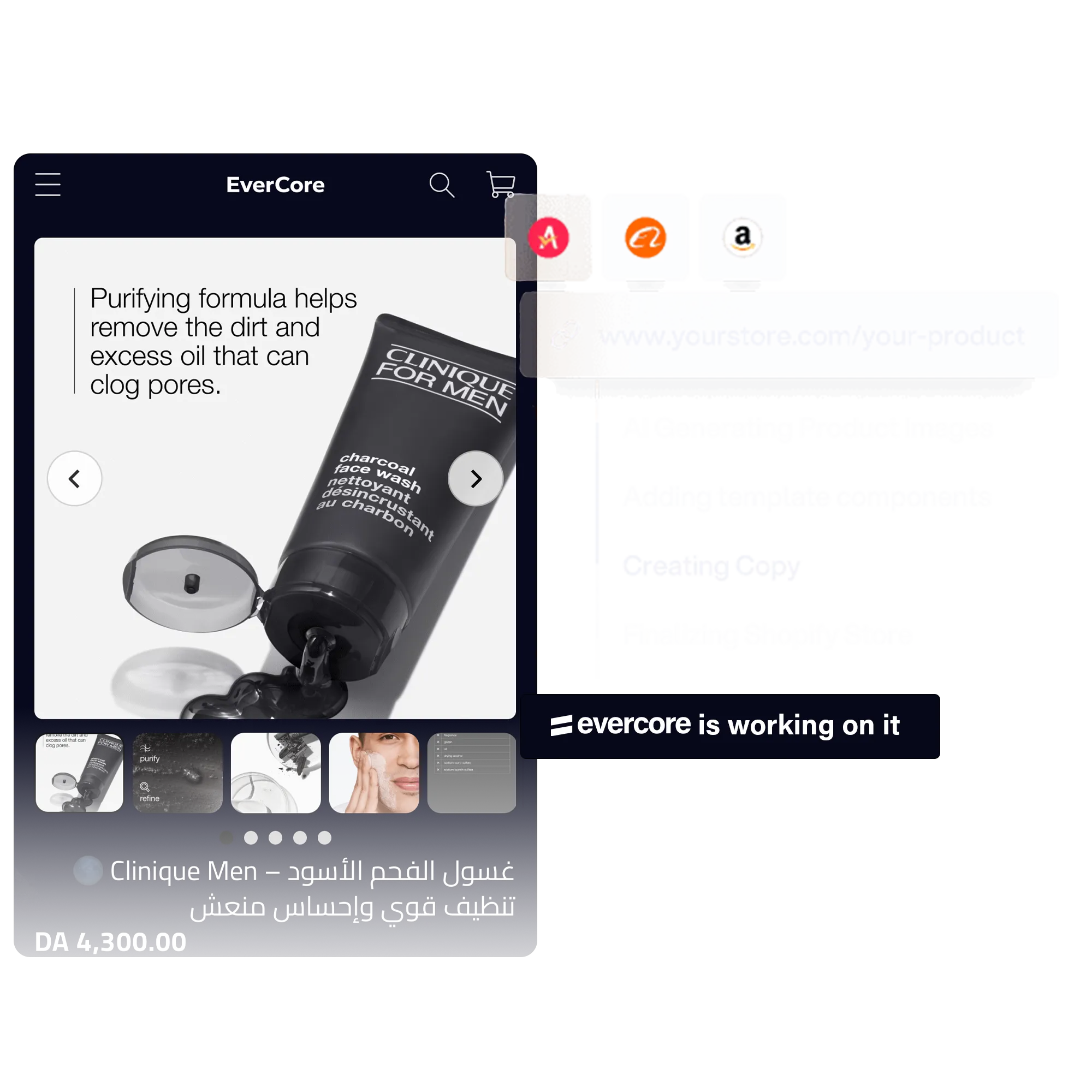
What does the first screen need?
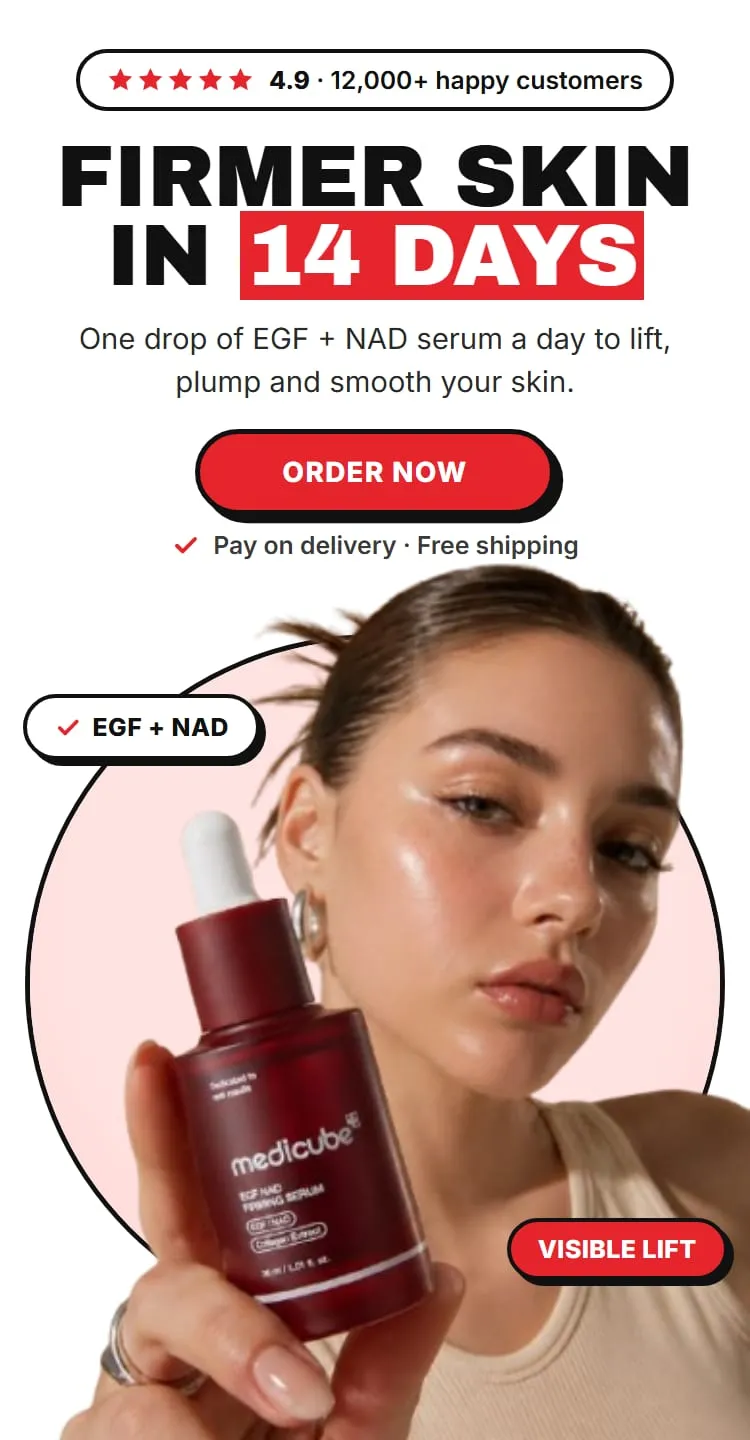
On a phone, before any scrolling:
- What it is, in a headline that states the benefit.
- The price, and the compare-at price if it’s real.
- A real photo of the product.
- The order button. With a COD form, this opens the form or scrolls to it.
Where does the order form go?
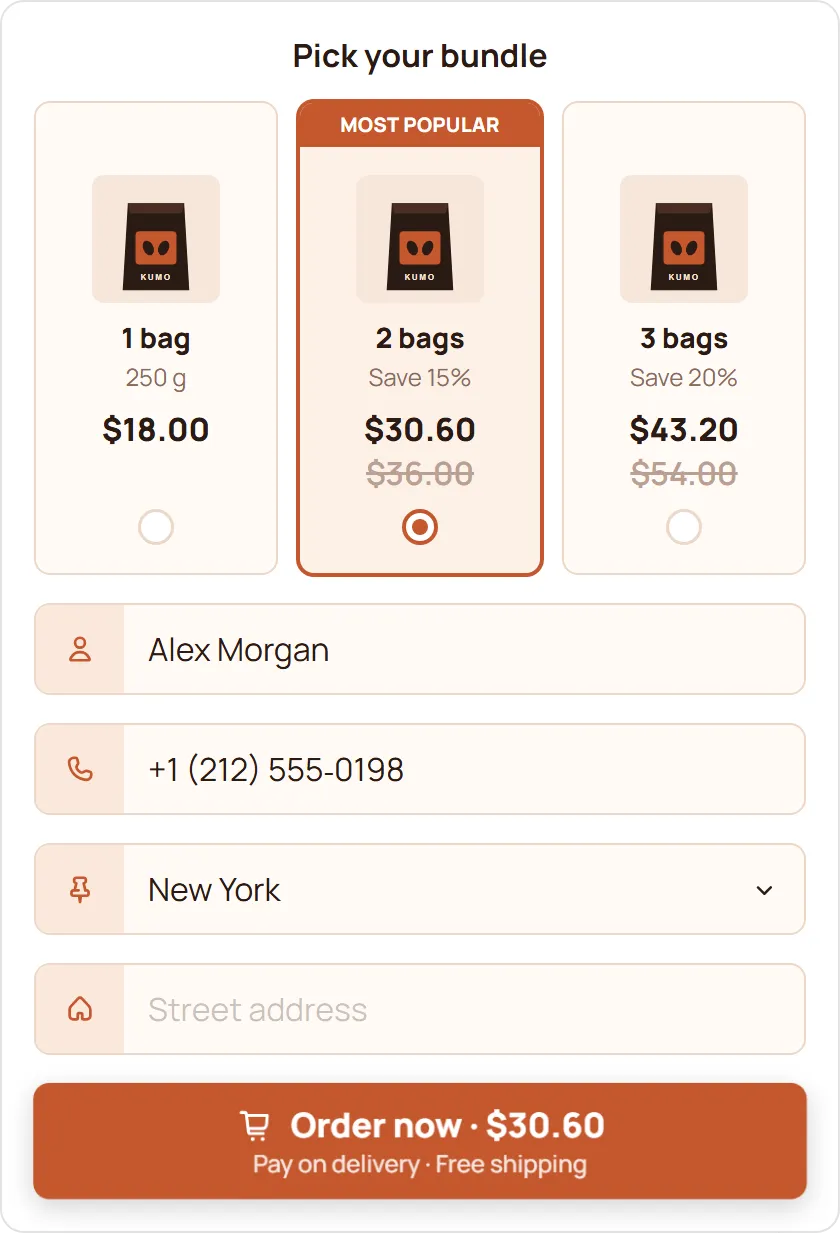
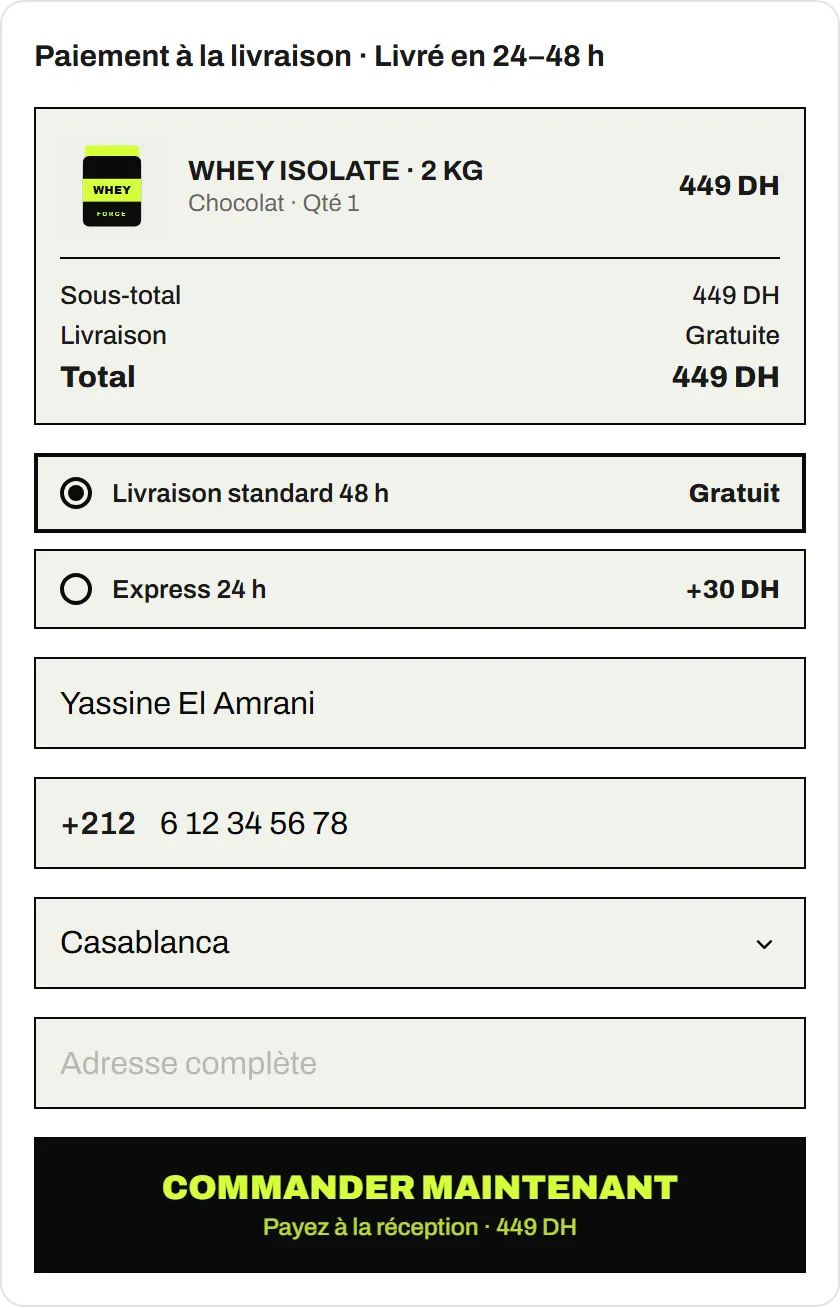
Two options with the EverCore COD Form:
- Popup: opens from the buy button. The page stays clean.
- Embedded: sits on the page. The buyer sees how little they need to fill in.
Either way, keep the fields to what delivery needs: name, phone, wilaya or city, address. Show the delivery price for their wilaya in the total before they confirm.
What sells the product?
In this order:
- Benefits, not features. What changes for the buyer.
- How it works, in three or four steps or images.
- Proof: real customer photos and reviews, or a demonstration. Keep only what you can back up.
- Comparison, if buyers compare it with an alternative they know.
What COD worries should the page answer?
Buyers paying on delivery want to know:
- When will it arrive? A realistic delivery time.
- What do I pay at the door? The total, delivery included.
- Can I check it? Whatever your courier allows, say it clearly.
- What if it’s not right? Your return or exchange policy.
- How do I reach you? A phone number or a messaging contact.
Put these in a short FAQ near the order form. Clear answers before ordering also help keep refused parcels down.
Where do offers fit?
On the form, just before the order button:
- Quantity offers such as buy 2, buy 3, with the saving shown.
- One or two upsells that belong with the product.
See offers that raise order value for pricing.
What about mobile?
Check all of it on mobile: tap targets big enough, images that load fast, the order button never far away, and Arabic pages that read right to left. Check the page on a real phone with the form open before you send traffic.
How do you build it faster?
EverCore’s product page builder writes and lays out the page from your brief (audience, angle, tone, your research) into your current theme, on the Pro plan. Use this page as your checklist when you review what it wrote.