


What counts as a fake COD order?
Not every order that never gets delivered is fake. Sort them before you fix them:
- Junk orders: made-up names, pranks, test submissions, the same person ordering again and again.
- Unreachable buyers: wrong numbers, phones that are never answered.
- Changed minds: a real buyer who no longer wants the product on delivery day.
Filters handle the first group, confirmation calls the second, and your page and pricing the third. The return rate guide covers that last group.
How do you stop fake orders before they’re created?
Filter at the form, before an order exists. With EverCore’s spam protection, on the free plan:
- Limit orders per buyer in a time window, for example 2 in 24 hours.
- Cap the quantity per order, so a 50-unit prank never reaches your courier.
- Block phone numbers, emails and IP addresses that sent you junk. Email blocks can cover a whole domain.
- Restrict postal codes you don’t serve or that keep refusing parcels.
- Check phone formats. The form checks numbers against North African and Middle Eastern mobile formats, which stops obviously wrong numbers.
Write blocked buyers a neutral message that invites them to contact you, since a real buyer can occasionally hit a limit. Refused attempts are logged for 30 days with the reason, so you can see which rule fired.
Why confirm every order by phone?
A short call before shipping is the most direct check you have:
- Confirm the name, wilaya and address.
- Repeat the product, quantity and total price, delivery included.
- Ask when they’ll be available to receive the parcel.
Mark the result next to the order in your sheet: confirmed, no answer, cancelled. Ship only confirmed orders, and try unanswered ones again later the same day.
What else lowers fake orders?
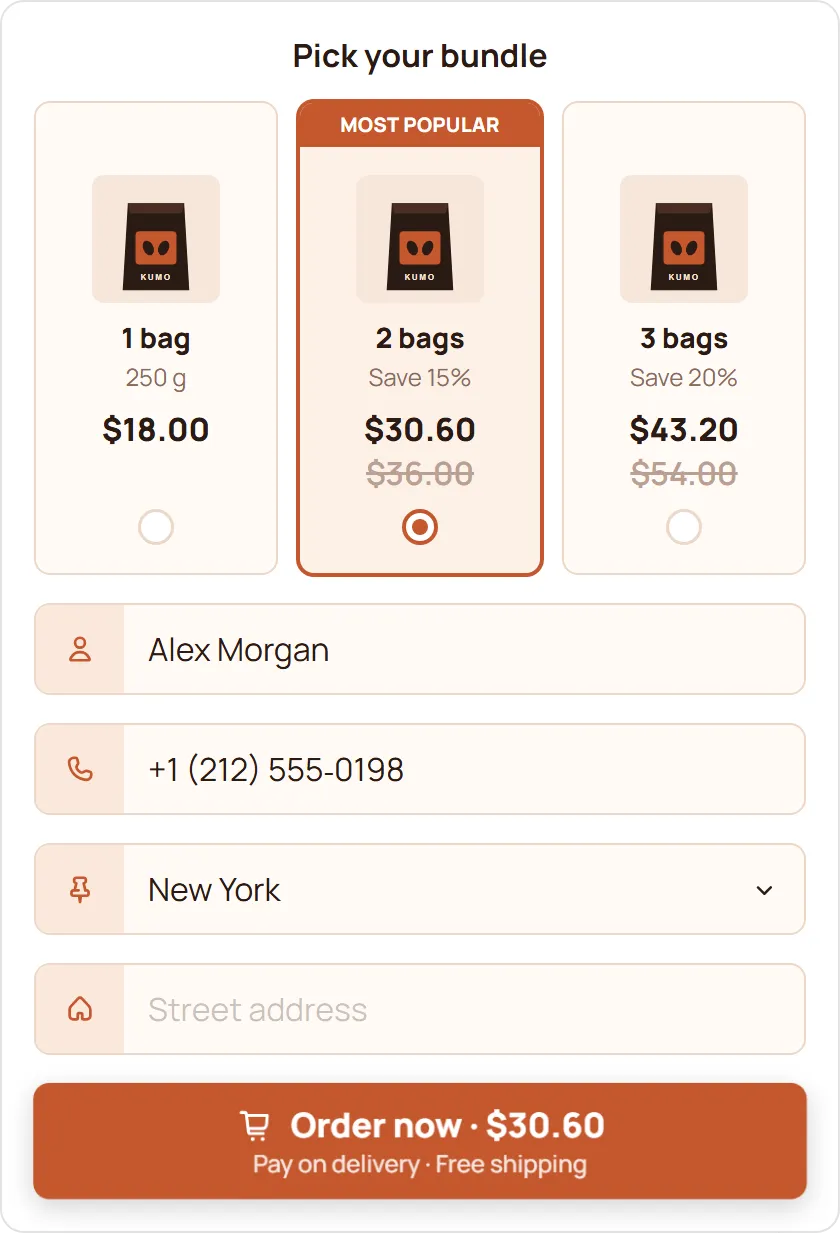
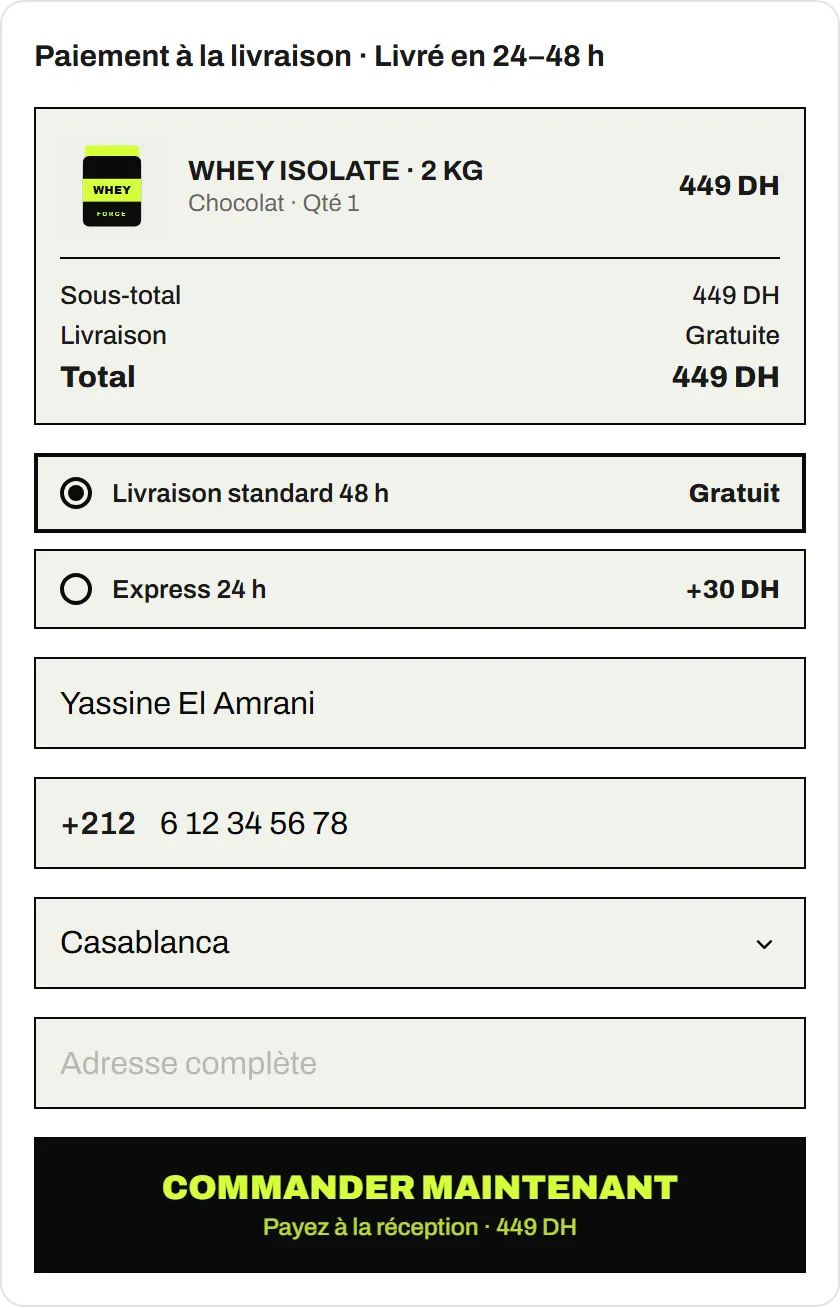
- Show the full price up front. Delivery prices per wilaya added to the total before the buyer confirms.
- Describe the product honestly. Photos and sizes that match what arrives.
- Be careful with offers that look too good. They attract curious clicks as well as buyers.
- Keep your team’s tests out of the data. Register their devices as Test devices so test orders don’t trip your limits.
How do you know it’s working?
Track two numbers every week, per product and per ad:
- Confirmation rate: confirmed orders ÷ orders received.
- Delivery rate: delivered and paid orders ÷ orders shipped.
If an ad brings many orders but a low confirmation rate, the problem is the traffic, not the form. Pause it before you tighten your rules further.