



Skip to content

Feature

Abandoned COD orders, sent to Google Sheets

When a buyer types a complete, valid phone number into the EverCore COD Form but doesn't place the order, the form saves what they entered. If no order follows, it is added to a separate abandoned-orders Google Sheet after a delay you choose, so your team can follow up. It's part of the Free plan.

Updated 29 October 2026

What counts as an abandoned COD order?

A buyer opens the COD Form, starts filling it in and types a complete, valid phone number, then leaves without ordering. From that moment, the form saves what they have entered.

The phone number is the trigger because it’s what you need to reach the buyer again. A visitor who opened the form and typed nothing is not saved.

One browsing session counts as one abandoned order, so a buyer who corrects the form a few times in one visit doesn’t fill your sheet with duplicates.

What lands in the sheet?

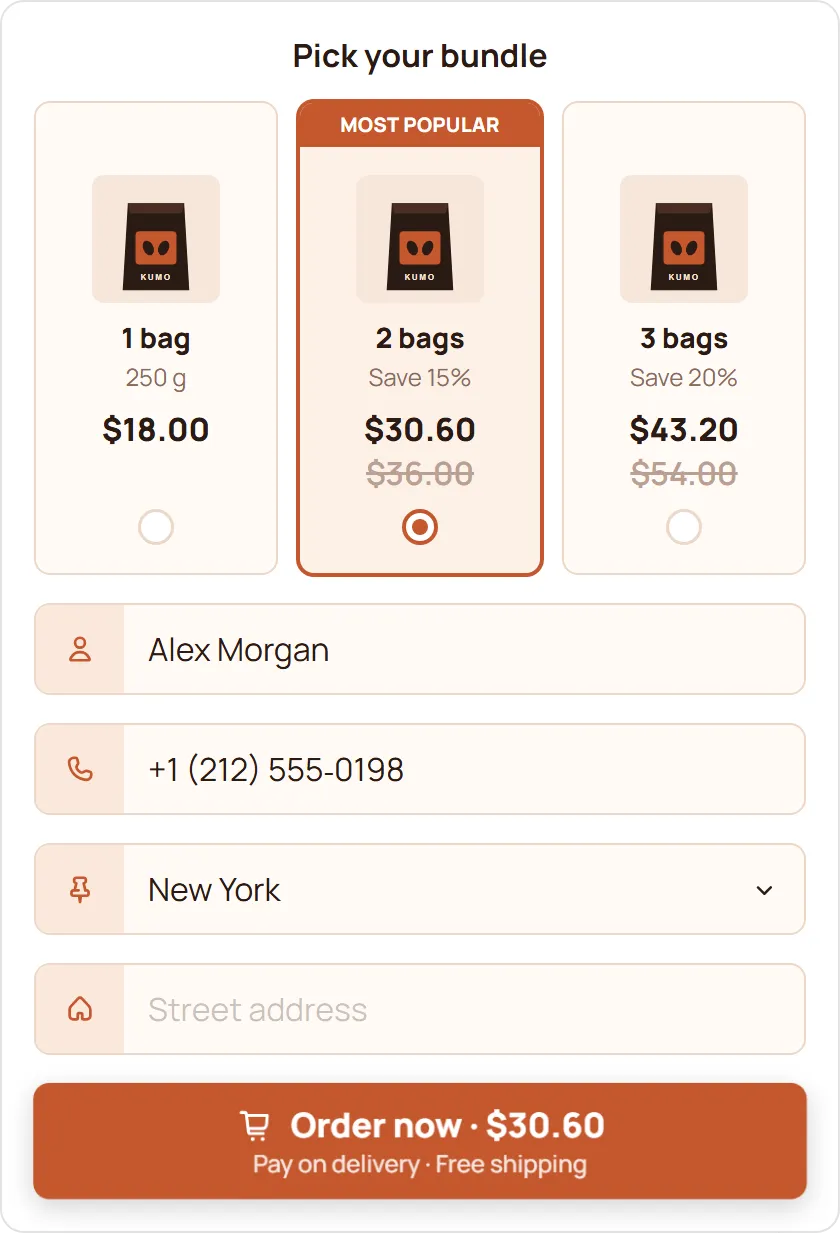
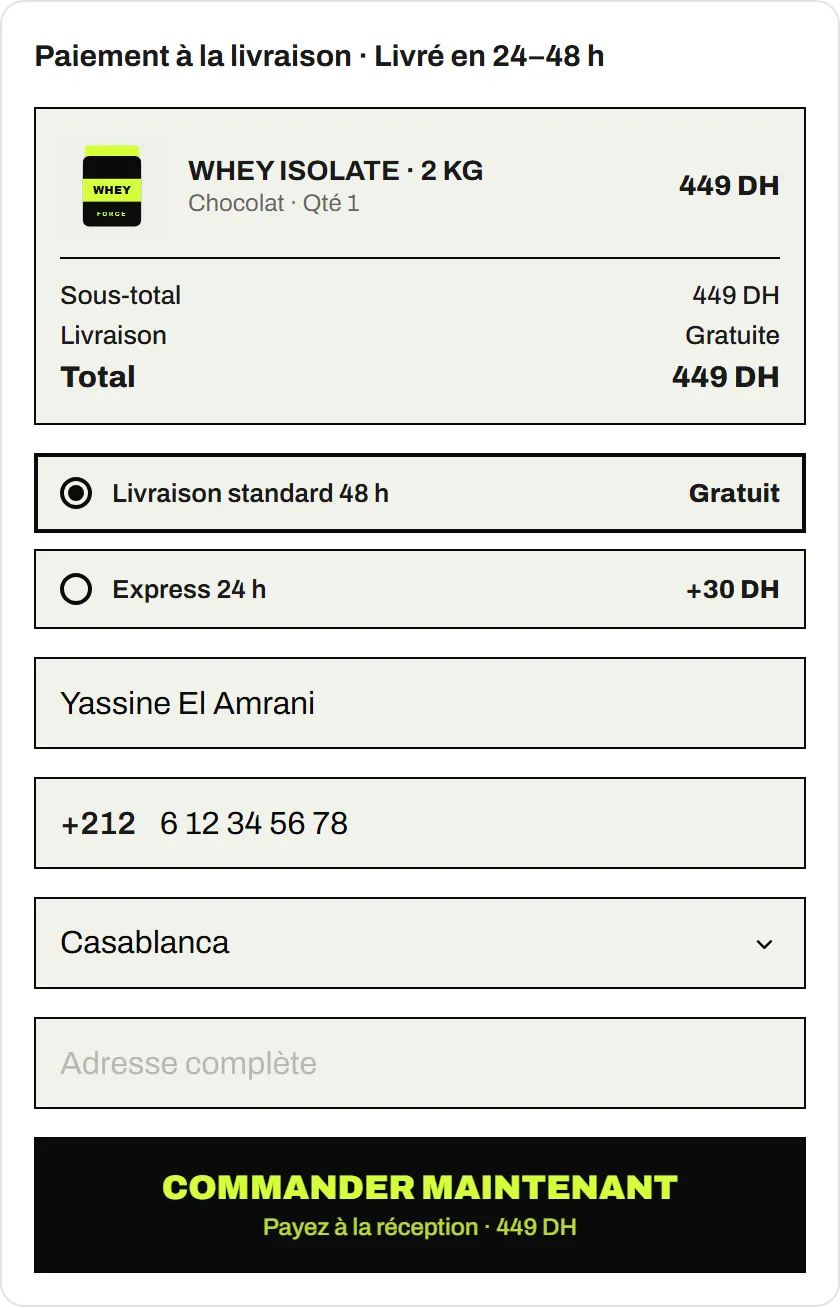
Whatever the buyer typed before leaving, such as their name, phone, email, country, wilaya, city and address, plus the product, the cart and the offer they had picked.

That is usually enough to call back with the exact product and price in front of you.

Why is there a delay?

Some buyers take their time. The delay you choose gives them the chance to finish the order before they are counted as abandoned, so your team doesn’t call someone who was about to order anyway. If an order follows within the delay, nothing goes to the abandoned sheet.

How do you follow up?

  • Call or message the same day, while the buyer still remembers the product.
  • Have the product, price and offer ready. They are in the row.
  • Keep it short: ask whether they had a question, and confirm the order if they still want it.
  • Check consent first. You are responsible for contacting buyers lawfully, including any consent your local rules require.

How do you set it up?

  1. Install EverCore. The COD Form is on the Free plan.
  2. In the Integrations & Pixels tab, connect your Google account. EverCore only gets access to spreadsheets it creates or that you pick.
  3. Set the sheet for orders and the sheet for abandoned orders, and choose the delay.
  4. Test it: type a phone number in the form, leave, and check the abandoned sheet once the delay has passed.

What happens to the data?

EverCore keeps an abandoned order for 30 days after its last update. Rows written to your Google Sheet are in your Google account, under your control, so decide who on your team can open it.

Abandoned orders pair well with spam protection, which keeps fake orders out of your real ones, and with pixels, which tell your ad accounts which visitors did order.

Guides for this feature

COD on Shopify

Retargeting abandoned COD orders from Google Sheets

Turn the abandoned cash on delivery orders in your Google Sheet into confirmed orders: a sheet layout, call timing, a short script, and how to use the list in ads, with consent.

Updated 29 October 2026 · 2 min read

Feature

Pixels and Conversions API for COD orders

Send cash on delivery orders to Meta, TikTok, Snapchat and Google: browser pixels plus Meta, TikTok and Snap Conversions APIs, with consent built in. Free plan.

Updated 29 October 2026

Feature

Spam protection for COD forms on Shopify

Block fake cash on delivery orders by phone, email, domain, IP and postal code, cap orders per buyer and quantity, and test safely. Free with the EverCore COD Form.

Updated 29 October 2026

Questions merchants ask

Is abandoned order capture free?

Yes. It's part of the EverCore COD Form on the Free plan, with no monthly order limit.

Does it capture buyers who never typed a phone number?

No. An abandoned order is only saved once the buyer has typed a complete, valid phone number, because that is what you need to follow up.

Will the same buyer appear many times?

One browsing session counts as one abandoned order, so a buyer who edits the form several times in one visit appears once.

Where do my completed orders go?

Every COD order goes to your orders sheet. Abandoned orders go to a separate sheet, so the two lists never mix.

Can I call or message these buyers?

Yes, as long as you do it lawfully. Check what consent your local rules require before you contact them.

Take COD orders free, with no monthly order limit

Install EverCore and the COD Form works on the Free plan, with no trial and no billing approval. Want AI to build your store, product pages and landing pages too? Start the 5-day Pro trial.

Pro is $14.99 a month after the 5-day trial, billed through Shopify. Cancel during the trial and you pay nothing.