



Why do COD orders need their own tracking?
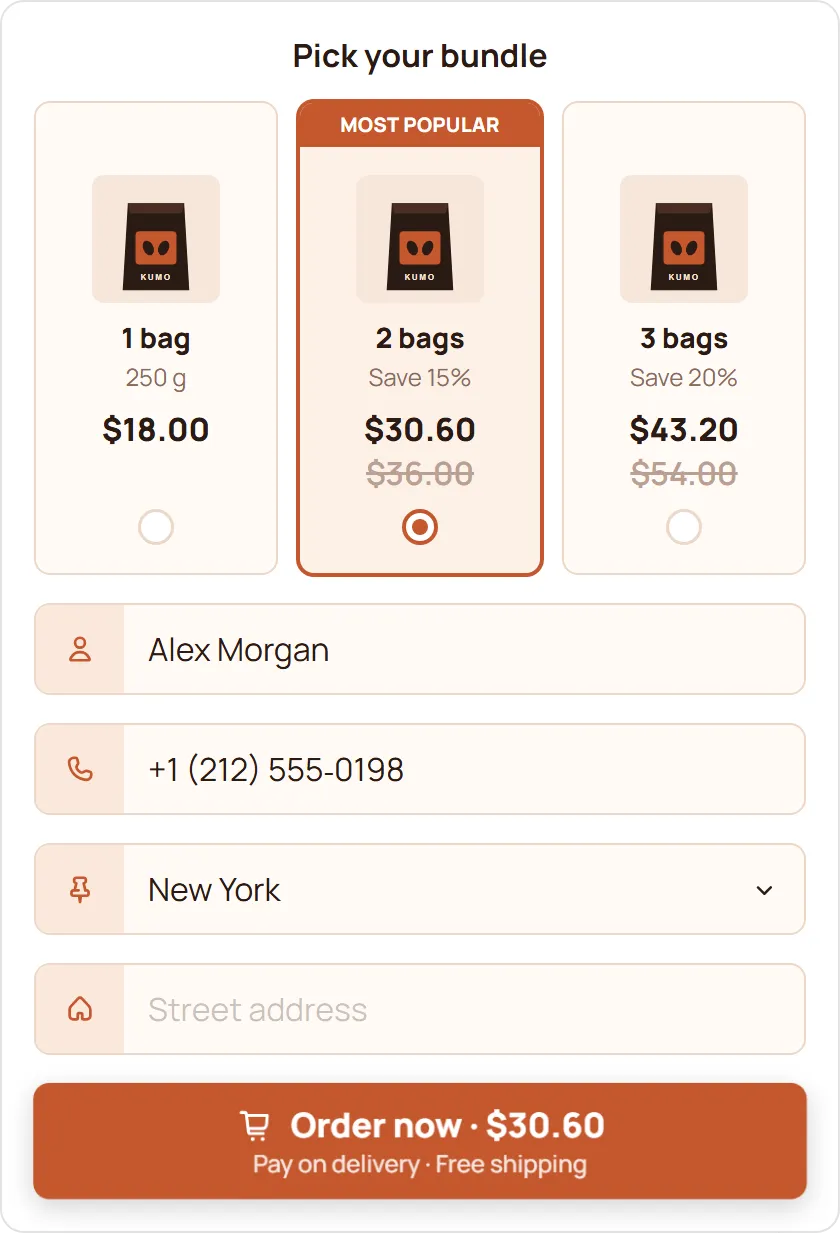
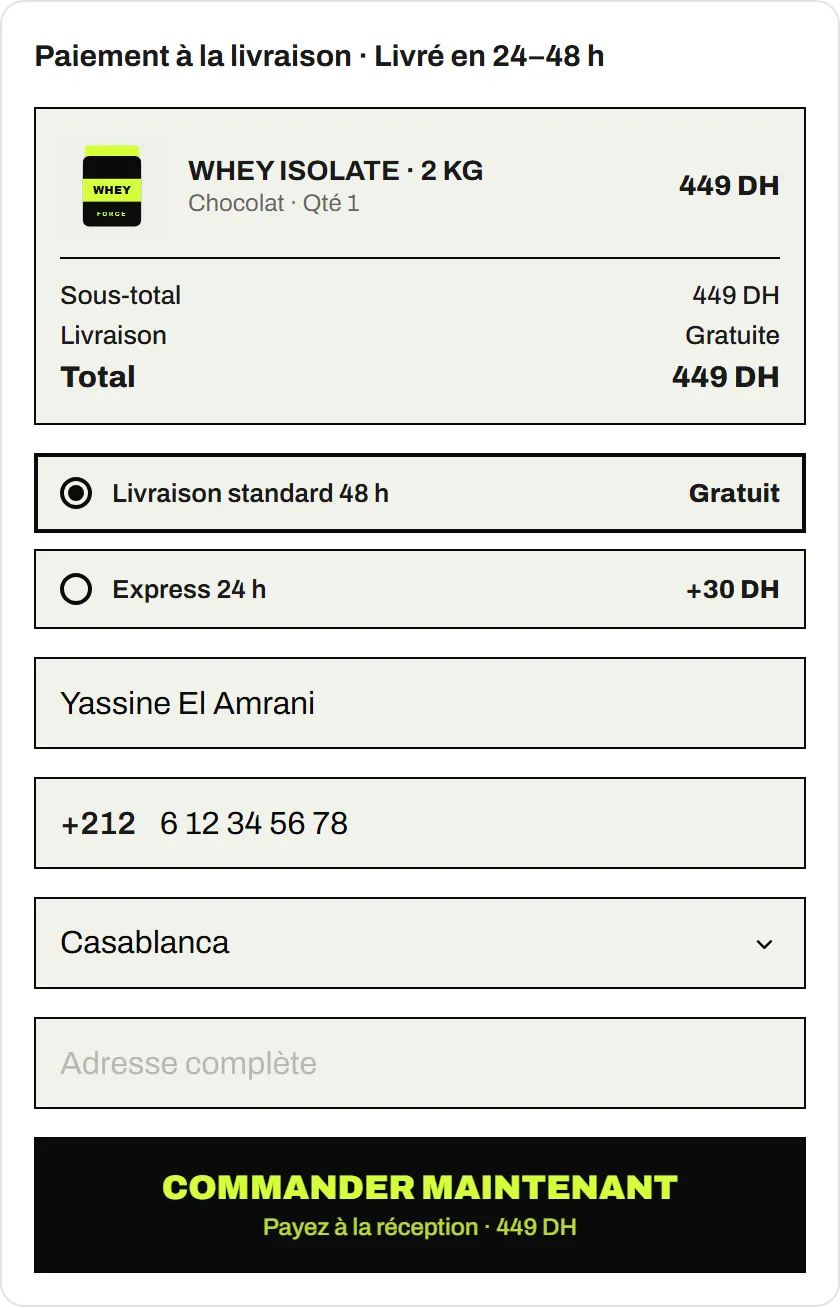
A COD form takes the order on the product page, without the Shopify checkout. Your ad platforms only know an order happened if something tells them, and that something has to be the form.
Without it, your ads look like they sell nothing, and the platforms can’t learn which people buy. With it, every COD order counts as a conversion where you buy your ads.
Which platforms are supported?
| Platform | In the browser | From the server |
|---|---|---|
| Meta (Facebook, Instagram) | Meta Pixel | Meta Conversions API |
| TikTok | TikTok Pixel | TikTok Events API |
| Snapchat | Snap Pixel | Snap Conversions API |
| Google tag, Google Ads conversion | Not included |
What’s the difference between a pixel and a Conversions API?
A pixel runs in the buyer’s browser. It’s quick to set up, but ad blockers, browser privacy settings and a lost connection can all stop it from firing.
A Conversions API sends the same order from EverCore’s server straight to the ad platform, so it doesn’t depend on the buyer’s browser. Using both gives the platform two chances to receive each order.
What data is sent, and how is consent handled?
Server events identify the buyer the way the platforms ask: email, phone, first and last name, city, province, postal code and country are hashed with SHA-256 before they leave EverCore. The IP address, browser user agent and the platforms’ own click IDs and cookies are sent unhashed, because the platforms need them to match the order to an ad.
Consent comes first. The form uses Shopify’s Customer Privacy API:
- Browser pixels only load, and ad click IDs (kept for 7 days) are only stored, after the buyer accepts marketing cookies.
- Server-side events are skipped when the buyer refused.
- On themes without Shopify’s consent tools, consent is treated as given, so set up your cookie banner and privacy notice.
How do you set it up?
- Install EverCore; the COD Form is on the Free plan.
- Open Integrations & Pixels.
- Add each platform you use: the pixel ID for the browser, and the access token for the server-side API.
- Place a test order from a Test device, then check the event in each platform’s events manager.
What else helps your ads learn?
- Keep fake orders out. Every fake order sent as a conversion teaches the platform to find more people like that buyer. Spam protection blocks known patterns before the order is created.
- Follow up on abandoned orders. Buyers who typed their phone number but didn’t order are saved to a separate Google Sheet for your team.